The Power of Notifications: How to Set Alerts to Maximize Productivity
Unlock Your Time with Smart Alerts
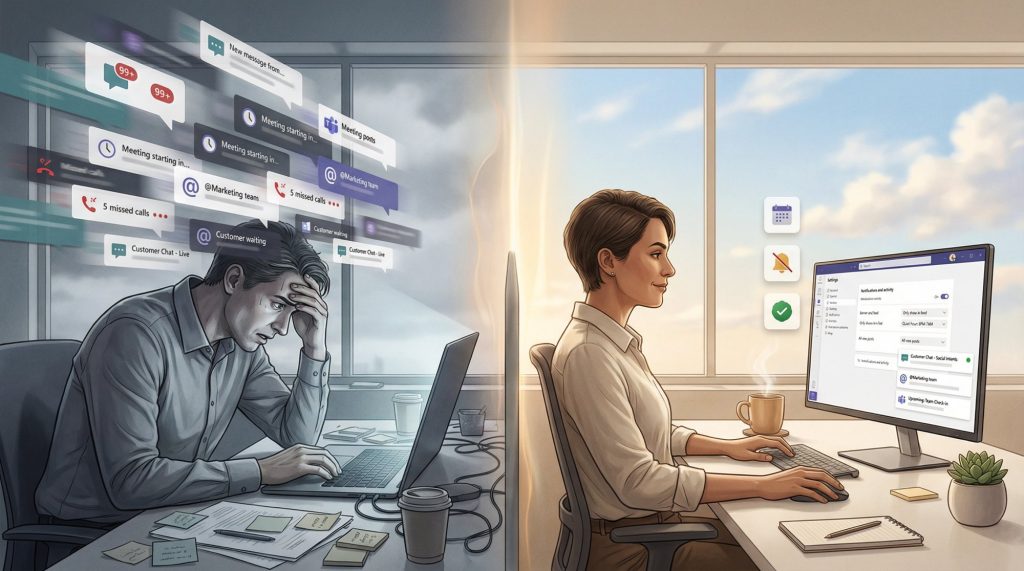
In the bustle of modern life, managing our time effectively has become increasingly challenging. The constant barrage of emails, texts, and social media notifications can easily distract us from our most important tasks. However, harnessing the power of notifications is an opportunity to refine our focus, streamline workflows, and ultimately enhance our productivity.
Understanding how to effectively utilize these notification systems can be transformative. Here are some pivotal aspects to consider:
- Custom Alerts: Tailoring notifications to your specific needs is crucial. For instance, rather than receiving alerts for every incoming email, prioritize messages that are high in importance or relevance to your current projects. This way, you can avoid unnecessary distractions while still staying informed about critical communications.
- Task Reminders: Deadlines and important meetings can easily be forgotten in a busy workday. By setting clear tasks with timed alerts on your smartphone or project management apps like Asana or Trello, you can create a structured reminder system that ensures nothing slips through the cracks. For example, receiving a reminder one hour before a critical meeting gives you the chance to prepare adequately.
- Performance Tracking: Alerts can also serve as a valuable tool for self-improvement. Setting up weekly reminders can prompt you to evaluate your progress toward personal or professional goals. For instance, if you’re working on fitness or skill acquisition, regular performance check-ins via notifications can keep you accountable and motivated.
Research indicates that the average worker checks their phone over 80 times a day. This habitual distraction can lead to significant declines in productivity. However, when strategically employed, notifications can enhance focus and effectively manage our time. Studies have shown that employees who utilize structured notification systems can significantly reduce wasted time and improve their output.
From mobile applications to desktop tools, the versatility of setting alerts offers a pathway to reclaim your time and enhance efficiency. Tools like Google Calendar or Slack integrate sophisticated alert systems that can notify you of important updates without overwhelming your attention. As you explore the diverse world of notifications, consider what combination of strategies works best for you. This tailored approach will enable you to leverage technology to your advantage, fostering an environment where you can thrive amidst the chaos of daily life.
Ultimately, the careful management of notifications can result in heightened productivity, allowing you to focus on what truly matters. By embracing smart alerts, you can take control of your time, cultivate balance, and achieve your goals with grace and efficiency.
DIG DEEPER: Click here to discover effective usability testing techniques
Strategic Notification Management: Your Key to Greater Productivity
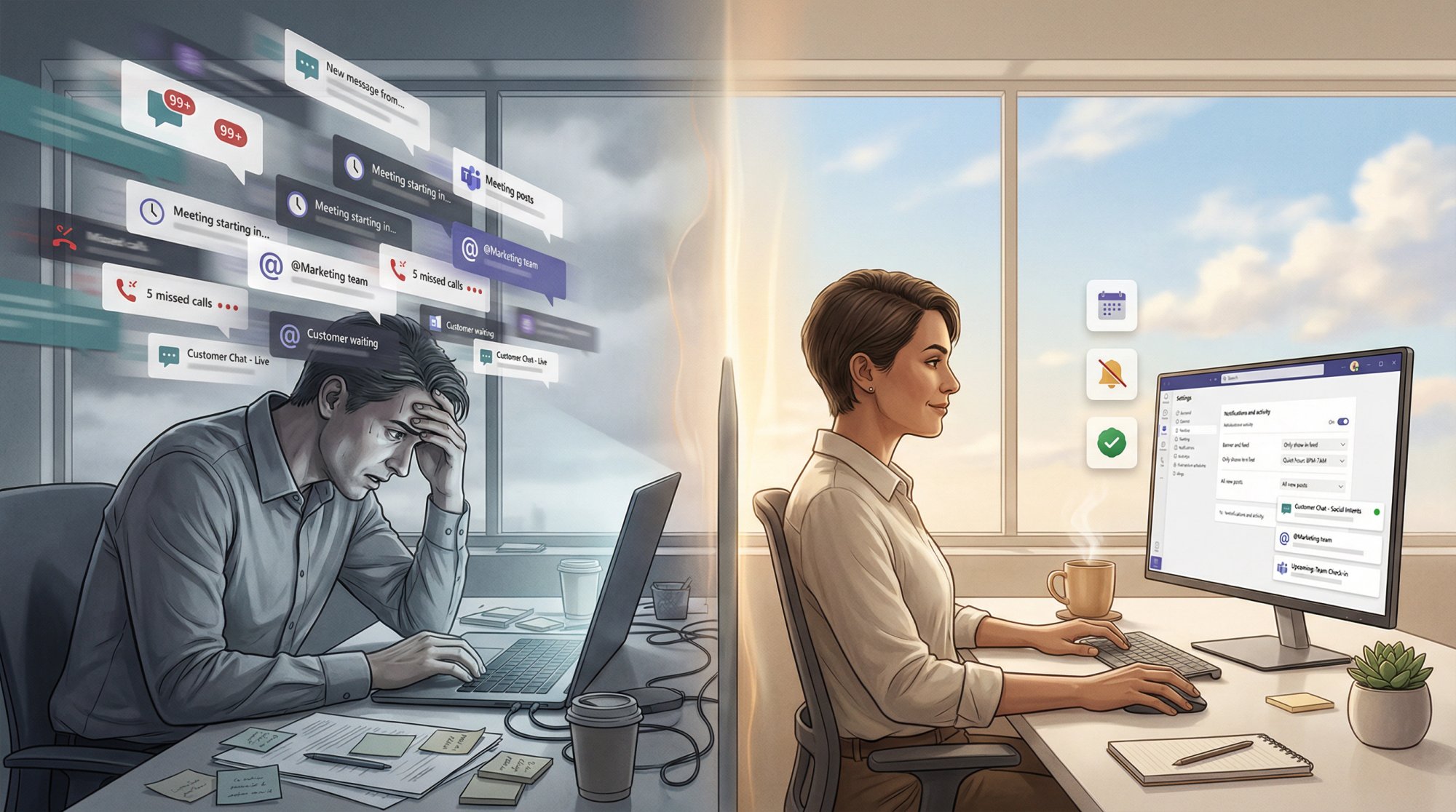
As digital communication channels multiply, the potential for interruptions grows exponentially. To combat this, a thoughtful approach to notifications can transform your everyday routine into a well-orchestrated masterpiece of productivity. By understanding the nuances of notification management, you can create an environment where technology actively supports your objectives rather than detracts from them.
One of the first steps in mastering notifications is to prioritize your alerts. It’s vital to differentiate between what demands your immediate attention and what can wait. Consider segmenting your notifications based on urgency. For example:
- Critical Alerts: Messages that require your immediate action, such as urgent emails from your boss or messages from a key client.
- Important Updates: Notifications that provide essential information but don’t require instant responses, like status updates from team members.
- General Notifications: Alerts from social media or promotional offers that can be checked at your leisure, allowing you to focus on more pressing tasks without distraction.
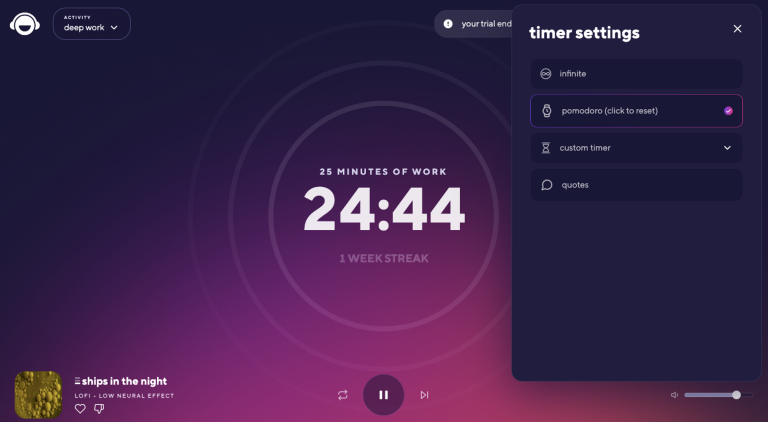
By categorizing notifications in this manner, you can tailor your responses and reduce the cognitive load of deciding what to attend to in the moment. Studies reveal that switching between tasks—often driven by incessant notifications—can diminish productivity by as much as 40%. By turning off non-essential alerts, you create dedicated periods of focus, known as deep work sessions, that can lead to higher quality outputs.
An integral aspect of managing notifications effectively is embracing the art of silencing distractions. Many apps and tools come equipped with “Do Not Disturb” features designed specifically to help you maintain focus during critical work periods. Activating this setting on your phone or computer not only limits incoming notifications but also sends a clear signal to others that you are in a focused work mode. For instance, utilizing tools like Slack or Microsoft Teams allows you to customize your status to inform colleagues when you are unavailable, minimizing interruptions.
Furthermore, embracing a time-blocking method with your notifications can enhance your productivity. By designating specific time slots to check messages or emails, you can maintain concentration on your primary tasks. Research supports the notion that when individuals allocate certain periods for notifications, their overall performance improves vastly, as they become less reactive and more strategic in managing their workload.
In addition to all these strategies, taking the time to review and adjust your settings regularly is crucial. As your projects and priorities evolve, so too should the types of notifications you allow. Ideally, this approach fosters a proactive rather than reactive relationship with technology, empowering you to shape your workflow intentionally instead of letting technology dictate your attention.
By actively managing notifications and incorporating these practices into your daily routine, you can harness technology as a powerful ally in the quest for increased productivity. As you proceed, consider what personalized strategies resonate best with your working style and the environments you navigate daily. With just a few adjustments, you’ll find that the chaos of notifications can give way to clarity, focus, and achievement.
| Category | Benefits |
|---|---|
| Task Management | Utilizing notifications can significantly enhance organization, ensuring deadlines are met and priorities are clear. |
| Time Tracking | Alerts facilitate punctuality by prompting time allocations for specific tasks, leading to efficient use of every minute. |
| Focus Enhancer | Notifications help minimize distractions by providing timely reminders, allowing for deeper engagement with work. |
| Goal Setting | Setting alerts for milestones encourages progress tracking, helping maintain motivation towards achieving long-term objectives. |
Understanding how to strategically use notifications can transform your productivity levels. By implementing notifications effectively, you can create a structured work environment that fosters both focus and motivation. Regular reminders and alerts serve as powerful tools to ensure that you stay on track with your tasks, efficiently manage your time, and meet your goals. Additionally, tailoring notifications related to specific projects can provide instant feedback, allowing for timely adjustments and better resource management. This skill in alert management could potentially revolutionize your workflow and elevate your productivity to new heights.
DISCOVER MORE: Click here to learn effective usability testing techniques
Customizing Alerts for Enhanced Focus and Efficiency
As notifications can differ vastly across various platforms and applications, a critical component in maximizing productivity lies in customizing alerts to suit your unique workflow. By leveraging the settings available within each tool you use—whether it be email clients, task management apps, or communication platforms—you can create a bespoke notification system that aligns with your daily priorities.
A practical approach to customization begins with understanding your work habits. Utilize analytics tools embedded in many applications to analyze your activities. For instance, email analytics can reveal peak communication times, highlighting when you are most receptive to messages. This data empowers you to adjust alert settings accordingly, ensuring that only the most pertinent notifications disrupt your concentration.
Furthermore, take advantage of the filtering options widely available across communication platforms. Most email clients offer features such as rules or filters that automatically categorize incoming messages into folders based on predefined criteria. This means that less urgent communications can be set aside, allowing you to focus on emails from specific sources or containing key phrases. As a result, your inbox morphs from a chaotic mountain of unread messages into a structured landscape, streamlining your workflow.
- Email Filters: Create rules that direct messages from certain senders or containing specific keywords directly to designated folders.
- Notification Preferences: Adjust settings in apps like Slack to only receive alerts for direct mentions or specific channels, reducing unnecessary noise.
- Do Not Disturb Schedules: Implement timeframes during which notifications are silenced, further minimizing disturbances during peak productivity hours.
Another aspect to consider is the importance of visual cues in setting alerts. Engaging icons or distinct sounds for critical notifications can serve as immediate indicators of urgency. For instance, an email alert with a specific tone or visual design can trigger a more prompt response. Similarly, color-coded notifications can help you discern critical alerts from routine ones at a mere glance, enhancing your decision-making speed.
The psychology behind notifications also plays a pivotal role in your overall productivity. Research indicates that the color and sound of a notification can influence a person’s emotional response and, by extension, their willingness to engage. Consequently, when customizing notifications, select colors and sounds that resonate positively with you and encourage prompt action without causing anxiety or frustration.
It’s also important to recognize the effects of habitual checking. Many individuals fall into the trap of compulsively checking their devices, largely driven by the anticipation of notifications. This compulsive behavior can significantly detract from focus, making it crucial to create a strategy that minimizes the urge to check notifications outside of designated times. Techniques such as placing your device out of reach during focused work or utilizing apps designed to limit access to specific programs can help curb this habit.
Ultimately, the ability to personalize and recalibrate your notifications not only fosters an environment of efficiency but also cultivates a greater sense of control over your workflow. Given that our technology continues to evolve, staying proactive in adjusting your notification settings is vital to maintaining optimal productivity levels. By embracing these strategies, you can turn what can often feel like overwhelming digital chaos into an organized system that propels you toward your goals.
DIVE DEEPER: Click here to learn more
Conclusion: Harnessing the Potential of Notifications for Enhanced Productivity
In a world dominated by constant connectivity, the power of notifications can either be a blessing or a curse. As we’ve explored, taking the time to set alerts strategically can transform overwhelming distractions into invaluable tools for productivity. By understanding your work rhythms and customizing alerts to suit your unique workflow, you can reclaim your focus and drive progress toward your goals.
Employing strategies such as setting filters, adjusting notification preferences, and implementing Do Not Disturb schedules empowers you to filter out unnecessary noise while still staying on top of crucial tasks. Additionally, harnessing the psychology of notifications by choosing impactful colors and sounds can evoke motivation instead of anxiety, making it easier to engage with vital communications.
However, it’s equally important to remain vigilant against the habit of compulsively checking notifications. Establishing boundaries and employing devices or apps designed to limit unnecessary distractions not only protects your focus but also fosters a healthier work-life balance. As technology continues to evolve, staying engaged and refined with your notification settings will be essential to maintaining peak productivity.
Ultimately, the journey towards mastering notifications is about balance—finding the right synergy between alerting you of opportunities while minimizing disruptions. As you embark on this endeavor, remember that pragmatic adjustments today can lead to monumental improvements in your efficiency and overall workflow tomorrow. By embracing the full potential of notifications, you can turn chaos into clarity, paving the way for success in both professional and personal domains.

Beatriz Johnson is a seasoned tech writer and digital tools expert with a passion for simplifying the complexities of technology and mobile applications. With over a decade of experience in the tech industry, she specializes in topics like productivity apps, software reviews, and emerging digital trends. Through her work, Beatriz empowers readers to make informed technology choices and stay ahead in the ever-changing world of apps and innovation.