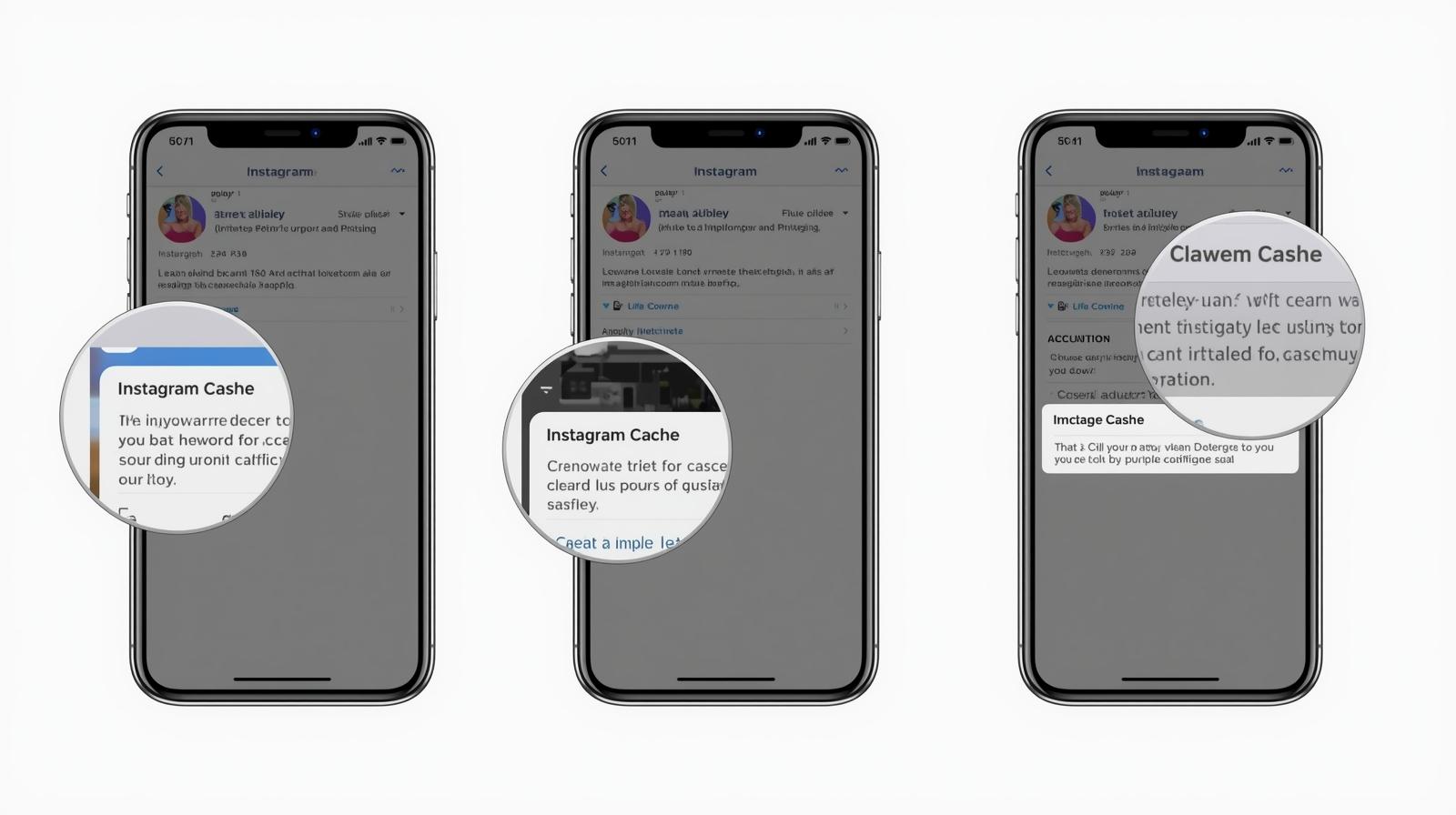
How to Use Cache Cleaning to Improve Application Performance on Mobile Devices
Unlocking the Benefits of Cache Cleaning
Mobile applications have transformed how we interact with technology, making performance more crucial than ever. When apps lag or crash, user experience suffers dramatically. By implementing cache cleaning, developers and users alike can drastically enhance mobile app performance. This proactive approach not only preserves app functionality but also prolongs the life of devices, making it an essential practice in today’s fast-paced digital landscape.
Cache files, which temporarily store data to hasten access to frequently used applications, play a significant role in app performance. However, just as a cluttered desk can hinder productivity, excessive accumulation of cache can lead to degraded performance and even application errors. For instance, users often notice that social media apps may take longer to load pictures or refresh feeds if their cache is overloaded. Regularly managing this cache can yield substantial benefits, including:
- Faster Load Times: A cleaner cache means reduced clutter, leading to quicker access to necessary data. Users experience shorter wait times, boosting overall satisfaction. For example, iPhone users might find that after clearing their browser cache, their mobile Safari runs significantly smoother during web browsing.
- Improved Memory Management: Efficient cache management helps free up system resources, allowing for better multitasking. For instance, many Android users find that clearing cache regularly can significantly improve the performance of both games and productivity apps, facilitating a seamless transition between them.
- Enhanced User Experience: Smooth operations keep users engaged. Apps designed to be responsive and quick are more likely to retain users in a competitive app market. Anecdotes suggest that many mobile gamers experience fewer lag issues after periodic cache cleaning, leading to more enjoyable and uninterrupted gameplay sessions.
Understanding and harnessing the power of cache cleaning is essential for anyone serious about mobile app performance. Not only does this practice benefit developers by reducing the incidence of app crashes and increasing user satisfaction, but it also empowers ordinary users. Whether you’re a developer, a tech enthusiast, or a casual user wanting to optimize your device, knowing how to effectively clean your cache can unlock a smoother, faster application experience.
In the upcoming sections, we will explore best practices for cache cleaning, available tools to assist in this process, and tips to keep your mobile devices running at peak performance. In a world where efficiency is key, mastering cache management can make a significant difference in the way you experience mobile technology. Ready to dive in? Let’s explore!
DISCOVER MORE: Click here for insights on usability testing
Best Practices for Effective Cache Cleaning
To harness the full potential of cache cleaning in improving application performance on mobile devices, it’s essential to adopt a systematic approach. This means not only recognizing the importance of cache management but also implementing reliable techniques that fit individual user needs. From simple built-in settings to advanced third-party applications, the options available can help users keep their devices running smoothly.
Here are some best practices for effective cache cleaning:
- Know What Cache You Have: Understanding the types of cache on your device is critical. App cache, browser cache, and system cache serve different functions and can be cleared individually to improve performance. Familiarize yourself with the settings on your device to identify where significant storage is being used.
- Regular Cleanup Schedule: Establish a routine for cache cleaning, such as weekly or bi-weekly, depending on your app usage. A cleaning routine not only ensures minimal clutter but also helps avoid unexpected slowdowns. For instance, syncing this practice with the start of each month can be an effective reminder.
- Utilize Built-in Tools: Most operating systems, like iOS and Android, provide built-in features for cache management. For instance, Android users can navigate to ‘Settings’ > ‘Storage’ > ‘Cached Data’ to clear excess files quickly. iOs users can optimize storage by visiting ‘Settings’ > ‘General’ > ‘iPhone Storage’; tapping on specific apps can reveal options for cache clearing.
- Leverage Third-Party Apps: There are numerous applications designed specifically for cache cleaning available in app stores. These tools automate the process, scanning for and cleaning unnecessary cache, thereby freeing up space and enhancing performance. Popular options among users include CCleaner, Clean Master, and Files by Google.
- Clear Browser Cache: Web browsers are notorious for accumulating cache over time which can slow down browsing speed. Periodically clearing your browser cache can lead to a smoother experience while surfing the web. Browsing history cleanup options are typically found in the browser settings for both Chrome and Safari.
By engaging in these practices, users can significantly improve their devices’ operational efficiency. In fact, regular cache cleaning not only results in faster app launches but also a marked decrease in app crashes. Such simple yet effective actions can translate into a more enjoyable mobile experience, fostering a sense of reliability that is critical in the digital age.
As we dive deeper into this subject, we will discuss the key tools that enhance cache management, as well as provide insights into how to balance cache cleaning with overall storage management. Understanding these elements is vital for anyone aiming to optimize mobile application performance and ensure that devices deliver peak results.
| Category | Description |
|---|---|
| Improved Load Times | By regularly cleaning cache, applications can drastically reduce load times, ensuring users have a smoother experience. |
| Increased Storage Space | Cache cleaning helps free up valuable storage space on mobile devices, allowing apps to run more effectively and efficiently. |
Incorporating cache cleaning into your mobile application performance strategy is essential. Cache, while useful for speeding up data retrieval, can lead to sluggish performance when accumulated over time. Regularly clearing this data not only enhances load times but also fosters a cleaner and more efficient app environment. Understanding the balance between caching benefits and potential overload can mean the difference between a seamless user experience and an application that causes frustration.Consider how storage management impacts application performance. With modern smartphones having limited space, an overloaded cache can hinder the overall efficiency of mobile applications, leading to crashes or instability. Therefore, implementing a routine cache cleaning strategy can directly result in a more responsive app, pleasing users and increasing engagement.Moreover, utilizing tools and apps designed specifically for cache management can streamline this process. By automating cache cleaning, developers can focus on enhancing features and functionalities rather than worrying about performance lags. This strategic approach not only optimizes user experience but also positions applications as competitive within the market.
DIVE DEEPER: Click here to learn how to enhance user experience with effective usability testing
Advanced Tools and Techniques for Cache Management
While basic cache cleaning practices can significantly enhance the performance of mobile applications, exploring advanced tools and techniques can further optimize user experience. From optimizing settings to understanding app-specific cache behavior, each method contributes not just to storage efficiency but also to seamless app interaction. Here’s a deeper look into making the most of cache cleaning:
- Monitor Application Performance: Implementing tools like Graham’s Cache and Firebase Performance Monitoring can provide invaluable insight into how apps utilize cache. These tools allow developers and users alike to see metrics related to response times, data usage, and cache hit ratios. By analyzing this data, you can determine when an app’s cache becomes overloaded and when cleanup is necessary.
- Understand Temporary Files: In addition to cache, many apps create temporary files that may linger long after they’re needed. Identifying and clearing these files can free up valuable storage space. For instance, applications like Zoom or WhatsApp often leave behind temporary cache files after updating or using certain features. Be vigilant in cleaning these up to avoid unnecessary slowdowns.
- Selective Cache Clearing: While it’s advantageous to clear cache regularly, not all cached data should be wiped clean. Certain apps, particularly gaming or productivity applications, may cache crucial files that enhance performance. Learning to selectively clean caches based on app usage can achieve a balance between space-saving and functionality. For example, if you frequently access certain documents on a cloud-based app, selectively retaining that cache will provide quicker access without the need for constant fetching.
- Use Developer Options: For advanced users, enabling Developer Options on Android devices can unlock more refined cache management settings. Users can specify background processes, memory allocations, and more, allowing for a more customized cache experience. This feature can also be a boon for troubleshooting app performance issues, helping users detect when cache may be the culprit behind sluggish behavior.
- Regularly Update Applications: Developers frequently release updates that include optimizations for cache usage along with stability improvements. Keeping apps updated not only ensures they run efficiently but may automatically improve cache management as well. Enabling auto-updates on your mobile device will make this process easier and less burdensome.
In many cases, cache management tools extend beyond traditional cache cleaning apps. For users engaged in demanding tasks like gaming or heavy multitasking, understanding the underlying principles behind cache management leads to informed decisions and optimal performance. Consider setting aside time to assess your app behavior and performance metrics to tailor your cache cleaning habits accordingly.
Ultimately, these advanced techniques demonstrate that effective cache management is not merely about clearing data but rather involves creating a comprehensive strategy for optimal performance. By understanding and utilizing the various tools available, users can begin to see tangible benefits in the usability, speed, and overall experience of their mobile applications.
DISCOVER MORE: Click here to learn about effective usability testing
Conclusion
As mobile devices become an integral part of our daily lives, ensuring that applications run smoothly is crucial for an optimal user experience. Understanding how to use cache cleaning effectively is not just a technical necessity but a user empowerment tool that enhances the performance of mobile applications. Throughout this article, we’ve explored various methods, from basic cache clearing techniques to advanced tools and strategies that can elevate an app’s efficiency.
By utilizing performance monitoring tools and understanding the behavior of cache within specific applications, users can make informed decisions about when and how to clean their cache. This proactive approach not only frees up valuable storage space but also minimizes sluggishness during app operations. Moreover, recognizing the significance of temporary files and practicing selective cache clearing further ensures that applications retain essential data while benefiting from a clean slate.
For mobile users seeking to maintain peak performance, incorporating strategies such as enabling Developer Options or scheduling regular updates can prove invaluable. By fostering a comprehensive understanding of cache management, individuals can significantly improve their mobile experience, keeping applications responsive and reliable.
In conclusion, with the right knowledge and tools at hand, anyone can harness the power of cache cleaning to elevate their mobile application performance. As you venture into this digital landscape, take the time to implement these practices and watch as your device transforms into a seamless extension of your everyday life.

Beatriz Johnson is a seasoned tech writer and digital tools expert with a passion for simplifying the complexities of technology and mobile applications. With over a decade of experience in the tech industry, she specializes in topics like productivity apps, software reviews, and emerging digital trends. Through her work, Beatriz empowers readers to make informed technology choices and stay ahead in the ever-changing world of apps and innovation.