How to Set Up Automatic Updates for Your Favorite Apps
Effortless App Management at Your Fingertips
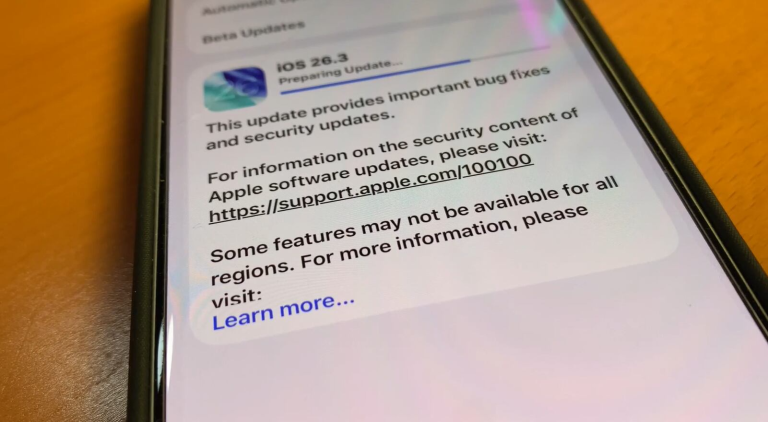
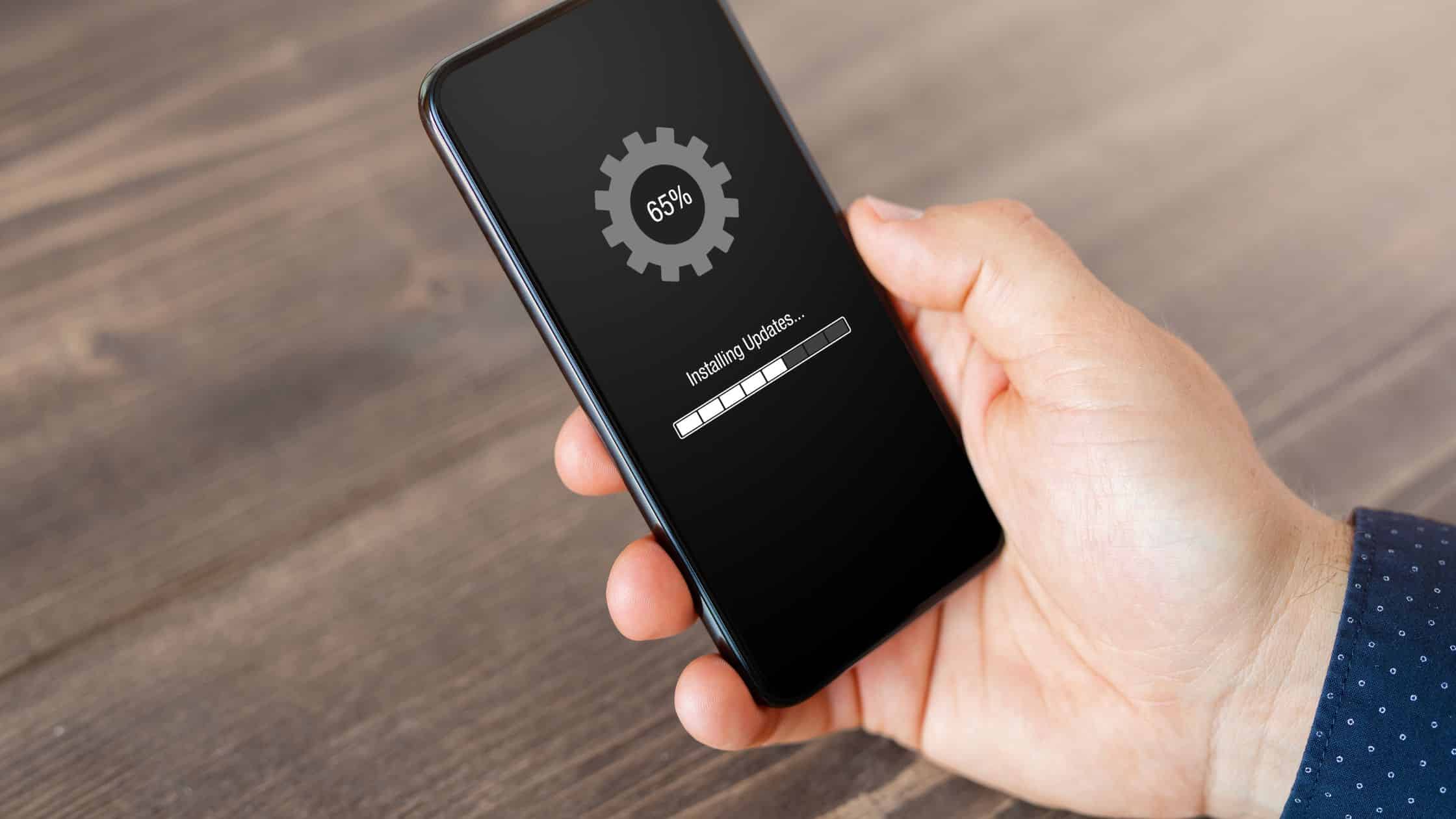
In today’s fast-paced digital world, the importance of staying current with your favorite applications cannot be overstated. Whether it’s for enhanced security, improved functionality, or the latest features, automatic updates are an invaluable tool that can save time and ensure your apps are performing at their peak potential.
Many users might not fully comprehend the tediousness of updating applications manually, which can lead to outdated software that may expose them to security vulnerabilities or hinder their overall experience. Here are several compelling reasons to consider setting up automatic updates:
- Enhanced Security: Automatic updates are increasingly crucial in combating cybersecurity threats. Software developers regularly issue security patches to address vulnerabilities that cybercriminals may exploit. By enabling automatic updates, users are better protected against data breaches and identity theft, as these critical fixes get applied promptly without any delay. For example, companies like Microsoft and Apple push automatic updates to counteract serious threats such as ransomware attacks.
- New Features: Regular updates often come packed with new features that can transform your user experience. For instance, popular apps like Instagram and WhatsApp frequently roll out enhancements that improve usability or introduce exciting functionalities. Without automatic updates, users might miss out on exciting new tools like advanced photo editing options or enhanced messaging capabilities.
- Bug Fixes: Software is not without its flaws, and developers actively work to identify and fix bugs that could affect performance. Automatic updates ensure that these fixes are applied seamlessly, enhancing overall stability. You might have experienced frustrating app crashes; enabling automatic updates can minimize such occurrences and help your applications run more smoothly.
As the digital landscape evolves, various platforms have streamlined their processes to facilitate automatic updates for their users. Whether you’re using mobile devices, such as iPhones or Android smartphones, or desktop environments like Windows and macOS, the steps to enable these updates are generally intuitive and user-friendly.
This guide aims to illuminate the simple steps required to activate automatic updates for your favorite apps, keeping you on the cutting edge. We will delve into specific settings for popular platforms, highlighting how easy it is to manage software updates and ensure your applications remain up-to-date and efficient. Exploring these options will empower you to take control of your app management and enhance your digital experience.
DIVE DEEPER: Click here to learn about effective usability testing
Understanding Automatic Updates Across Platforms
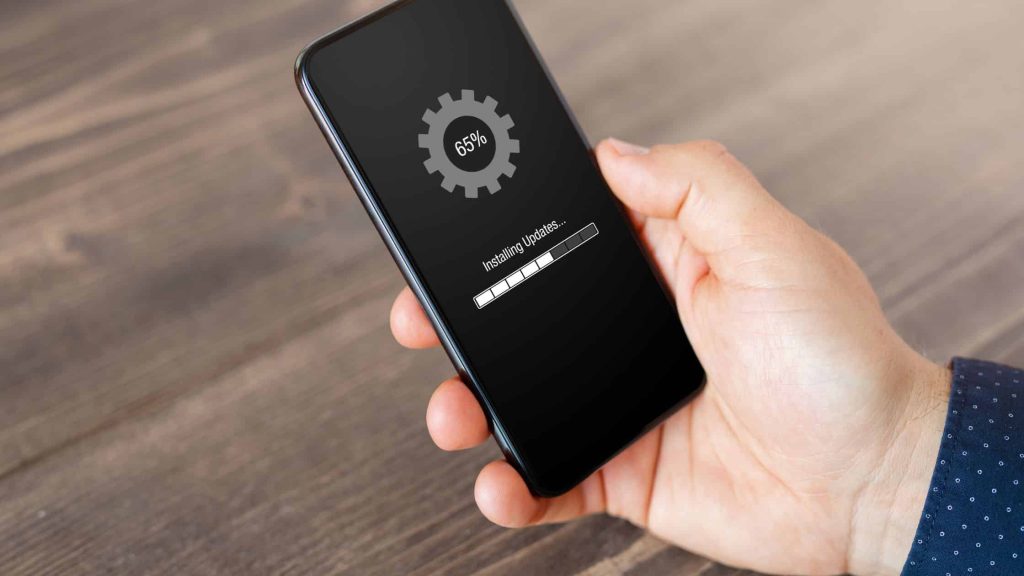
Setting up automatic updates is crucial for maintaining a seamless digital experience, but the process varies significantly across different platforms. Whether you are an avid smartphone user or prefer working from a desktop, familiarizing yourself with the steps necessary for enabling automatic updates will significantly enhance your app management.
Let’s break down the setup process based on popular operating systems, making it easier for you to stay current with your favorite applications:
For iPhone and iPad Users
Apple’s iOS devices come equipped with a straightforward method to activate automatic updates. Here’s how you can do it:
- Open the Settings app on your device.
- Scroll down and tap on App Store.
- Under the Automatic Downloads section, toggle on App Updates.
- To ensure you always stay updated, consider toggling on the Use Mobile Data option, allowing updates even when you are not connected to Wi-Fi.
Once activated, your apps will update automatically in the background, ensuring you always have the latest versions without lifting a finger.
For Android Users
Android devices also offer a simple way to manage automatic app updates through the Google Play Store:
- Open the Google Play Store app.
- Tap on your profile icon in the upper right corner.
- Select Settings and then tap on Network Preferences.
- Choose Auto-update apps and select your preferred option: Over any network or Over Wi-Fi only.
This simple adjustment allows you to select your data preferences while ensuring your apps remain current with the latest features and security patches.
For Windows PC Users
Moving on to desktop environments, setting up automatic updates for apps on Windows is straightforward and user-friendly:
- Open the Microsoft Store app.
- Click on the profile icon at the top right corner and select Settings.
- Toggle on the Update apps automatically option.
With this feature enabled, your installed applications from the Microsoft Store will update seamlessly, allowing you to focus on what matters most without worrying about manual updates.
For macOS Users
For users of Mac computers, enabling automatic updates involves adjusting System Preferences:
- Click on the Apple menu and select System Preferences.
- Choose Software Update.
- Check the box for Automatically keep my Mac up to date.
By doing so, you’ll receive vital updates for both macOS and the apps downloaded from the App Store, ensuring everything runs smoothly and securely.
Now that you’re equipped with the steps to activate automatic updates across various platforms, you can protect your devices better and enjoy the latest features your favorite apps have to offer. In the next segment, we will highlight some best practices and tips to maximize your app updating experience, ensuring you’re always one step ahead in maintaining your digital toolkit.
Understanding the Importance of Automatic App Updates
Automatic updates can be a game-changer for users wishing for a seamless app experience. One of the primary advantages is enhanced security. Regular updates often include important security patches that protect your device from potential vulnerabilities and cyber threats. By ensuring your apps are up to date, you are actively safeguarding your personal information and data, which is necessary in today’s digital landscape.Additionally, new features and improvements are introduced regularly through updates. Whether it’s a user-friendly interface, improved functionality, or performance enhancements, having apps that are automatically updated means you won’t miss out on the latest innovations that make your life easier. This encourages productivity and satisfaction, as apps are designed to run more efficiently.Furthermore, automatic updates can save time and effort. Users no longer need to manually check for updates or navigate to each app store individually—this streamlines the process. Most devices have options that allow you to tailor which apps can update automatically, giving you control over your data and storage.In short, embracing automatic updates for your favorite apps doesn’t just keep them fresh; it fortifies your digital safety, elevates your user experience, and frees up valuable time. As technology evolves, so should our habits in utilizing it.
| Category | Advantages |
|---|---|
| Enhanced Security | Automatic updates provide critical security patches, protecting you from vulnerabilities. |
| Access to New Features | Stay updated with the latest functionalities and improvements without manual intervention. |
| Time Saving | Eliminates the need for manual updates, allowing you to manage your time more efficiently. |
| Customization Options | Control which apps update automatically to manage data and storage effectively. |
This combination of factors makes setting up automatic updates for your favorite apps a crucial step toward a smarter, more secure digital life.
DISCOVER MORE: Click here to learn about effective usability testing
Best Practices for Managing Automatic Updates
Once you’ve set up automatic updates for your favorite apps across different platforms, understanding how to manage these updates effectively is essential. Not every update will be seamless, and knowing how to navigate potential issues can save you time and frustration. Here are some best practices to ensure that your apps stay updated while optimizing your device performance:
Review Update Schedules
Even with automatic updates in place, it’s wise to periodically check your apps to confirm that they are indeed updating as scheduled. Some apps may require you to grant permission for updates to occur. You can do this by:
- Regularly checking your app store for any pending updates.
- Monitoring your device settings to ensure that the automatic updates feature remains enabled.
- Paying attention to notifications about critical updates or app downtimes.
Additionally, if you notice an app has failed to update, it might be worth investigating potential compatibility issues or network restrictions that could be preventing the update.
Keep an Eye on Data Usage
Automatic updates can consume a significant amount of data, particularly if you have several apps that require regular updates. To avoid any unexpected overage charges or slowdowns, consider these tips:
- If you are on a limited data plan, configure your settings to allow updates only via Wi-Fi.
- Turn off automatic updates for apps that you seldom use or those that do not require frequent updates.
- Look for updates during non-peak hours, typically when you are less likely to need your internet connection.
Managing Notifications for Updates
While automatic updates can simplify app management, some updates may bring new features or changes that you might not want to miss. Configuring your notification settings can help you stay informed:
- Customize notifications from your app store to alert you of significant updates or new features added to apps.
- Consider following the official channels, such as social media pages or blogs, for the apps you frequently use to receive real-time updates.
- Review app permissions after updates; as developers often refine app functionalities and features.
Be Selective with Updates
Automatic updates are fantastic, but it’s wise to be selective regarding which apps you allow to automatically update. High-profile apps, particularly those related to security or productivity, should take precedence. Here’s how to prioritize:
- Focus on apps associated with sensitive information—banking apps, health apps, or anything storing personal data.
- Consider enabling auto-updates only for essential tools while manually updating less critical apps at your discretion.
- Research any recent app updates that have caused issues among users; sometimes an upgrade can lead to bugs or glitches.
With a methodical approach to managing automatic updates, you can ensure that your favorite apps continue to function optimally without compromising your device’s performance. By being vigilant and informed, you can enjoy all the benefits of the latest features while minimizing the hassle of app maintenance.
DIVE DEEPER: Click here to learn more about effective usability testing
Conclusion
In a world where technology evolves at lightning speed, staying updated with your favorite apps is more crucial than ever. Setting up automatic updates not only streamlines your app management but also enhances security and functionality, ensuring you always have the latest features at your fingertips. However, as we’ve discussed, managing these updates thoughtfully is equally important. By regularly reviewing update schedules, monitoring data usage, and being selective about which apps to auto-update, you can avoid potential pitfalls and maintain optimal performance on your device.
Moreover, paying attention to notifications and following developer announcements can keep you informed about significant changes that impact your daily interactions with your apps. Consider this: even the most popular apps can experience downtime or bugs after an update. Therefore, remaining vigilant and proactive can save you from unnecessary frustrations.
As you embrace the convenience of automatic updates, remember that a tailored approach ensures you balance your needs for new features with device performance. So take the time to customize your settings, stay informed, and enjoy the seamless experience that comes with your favorite apps fully updated. Your device will thank you for it, providing you with a richer, smoother digital experience that enhances both productivity and enjoyment in our fast-paced technological landscape.

Beatriz Johnson is a seasoned tech writer and digital tools expert with a passion for simplifying the complexities of technology and mobile applications. With over a decade of experience in the tech industry, she specializes in topics like productivity apps, software reviews, and emerging digital trends. Through her work, Beatriz empowers readers to make informed technology choices and stay ahead in the ever-changing world of apps and innovation.