How to Identify and Avoid Malicious Apps on Your Device
Stay Safe in the Digital Age
In today’s hyper-connected world, smartphones and mobile applications play a pivotal role in our daily interactions, enabling everything from communication to banking. Unfortunately, this convenience comes with a price: a heightened risk of cyber threats. As technology evolves, so do the tactics of cybercriminals who are constantly on the lookout for unsuspecting victims. Being aware of these threats and understanding how to mitigate them is crucial for anyone navigating the digital landscape.
Understanding the Risks
Malicious apps can take many forms, often masquerading as legitimate software to gain user trust. It’s important to recognize these common threats:
- Data Theft: Some apps are designed specifically to acquire sensitive personal information, such as passwords, bank account details, and contact lists. For example, a seemingly innocuous app may request access to your contacts under the guise of enhancing its features, while actually storing that information for fraudulent purposes.
- Adware: These applications overwhelm users with invasive advertisements, often leading to a degraded user experience. They may track your online behavior to serve tailored ads, raising privacy concerns. Reports have indicated that adware can significantly slow down device performance, leaving users frustrated and vulnerable.
- Malware: Unlike regular applications, malware is specifically programmed to cause harm or exploit your device. This might include ransomware, which locks your files until a ransom is paid, or spyware, which silently monitors your activities and gathers private data without your consent.
Understanding these threats is a vital first step towards protecting yourself. Awareness alone, however, isn’t sufficient; implementing strategies to shield your device is equally important.
Key Strategies for Protection
With some straightforward precautions and habits, you can significantly reduce the risk of downloading malicious apps:
- Check Reviews: Prior to downloading, read user reviews and ratings on app stores. Look for detailed feedback and pay attention to any red flags, like mentions of unusual behavior or privacy violations. Quality apps typically have a history of positive user experiences.
- Analyze Permissions: Be vigilant about the permissions an app requests before installation. If an app seeks access to information or features that seem unnecessary for its primary function—such as a flashlight app asking for location access—consider it a warning sign.
- Download from Trusted Sources: To minimize risks, always download apps from reputable platforms such as the Google Play Store or Apple App Store. These stores implement security checks to identify and remove malicious apps, providing a safer environment for users.
As cyber threats increase in sophistication, remaining informed and adopting simple but effective safety measures can significantly enhance your device’s security. Cybersecurity is not just the responsibility of tech companies; it’s a combined effort that requires vigilance and proactive behaviors from all users. Equip yourself with knowledge, stay alert, and navigate the ever-evolving digital landscape with confidence and peace of mind.
DIVE DEEPER: Click here to learn more about effective usability testing
Identifying Malicious Apps
Recognizing the presence of malicious apps on your device is the first line of defense against potential threats. Cybercriminals employ increasingly sophisticated methods to trick users into downloading harmful applications. Being able to spot these red flags can save you from significant security risks. Here are several key indicators to look out for:
- Poor App Design: Legitimate apps are usually developed with care. If an app has numerous bugs, poor graphics, or an unprofessional interface, it may be a sign that the developers are not trustworthy. Take time to assess the quality of the app before proceeding with a download.
- Unusual App Behavior: If an app begins to malfunction, crash excessively, or drain your battery inordinately, it’s often a cause for concern. Such behavior can indicate that the app is running hidden processes or engaging in activities that compromise your security. Always uninstall apps that consistently perform poorly.
- Excessive Permissions: As mentioned, apps that request more access than they need could be harmful. For instance, a simple game shouldn’t require access to your contacts or camera. Always scrutinize permission requests and deny access that seems irrelevant.
- Lack of Developer Information: Trustworthy applications typically provide detailed information about the developer and include a contact method. If it’s challenging to find who created the app, or if there’s no contact information available, it’s wise to consider alternatives.
Staying informed about potential threats goes hand in hand with knowing how to navigate the app landscape safely. By remaining vigilant and educated, you empower yourself to detect these flags early and take precautionary measures.
Taking Preventive Steps
Once you understand how to identify malicious apps, taking proactive steps is essential to bolster your defenses. Embracing good security practices will help safeguard your device. Consider implementing the following strategies:
- Keep Your Device Updated: Regular updates not only bring new features but also patch security vulnerabilities. Enable automatic updates to ensure your device is always running the latest software, which may include critical security fixes.
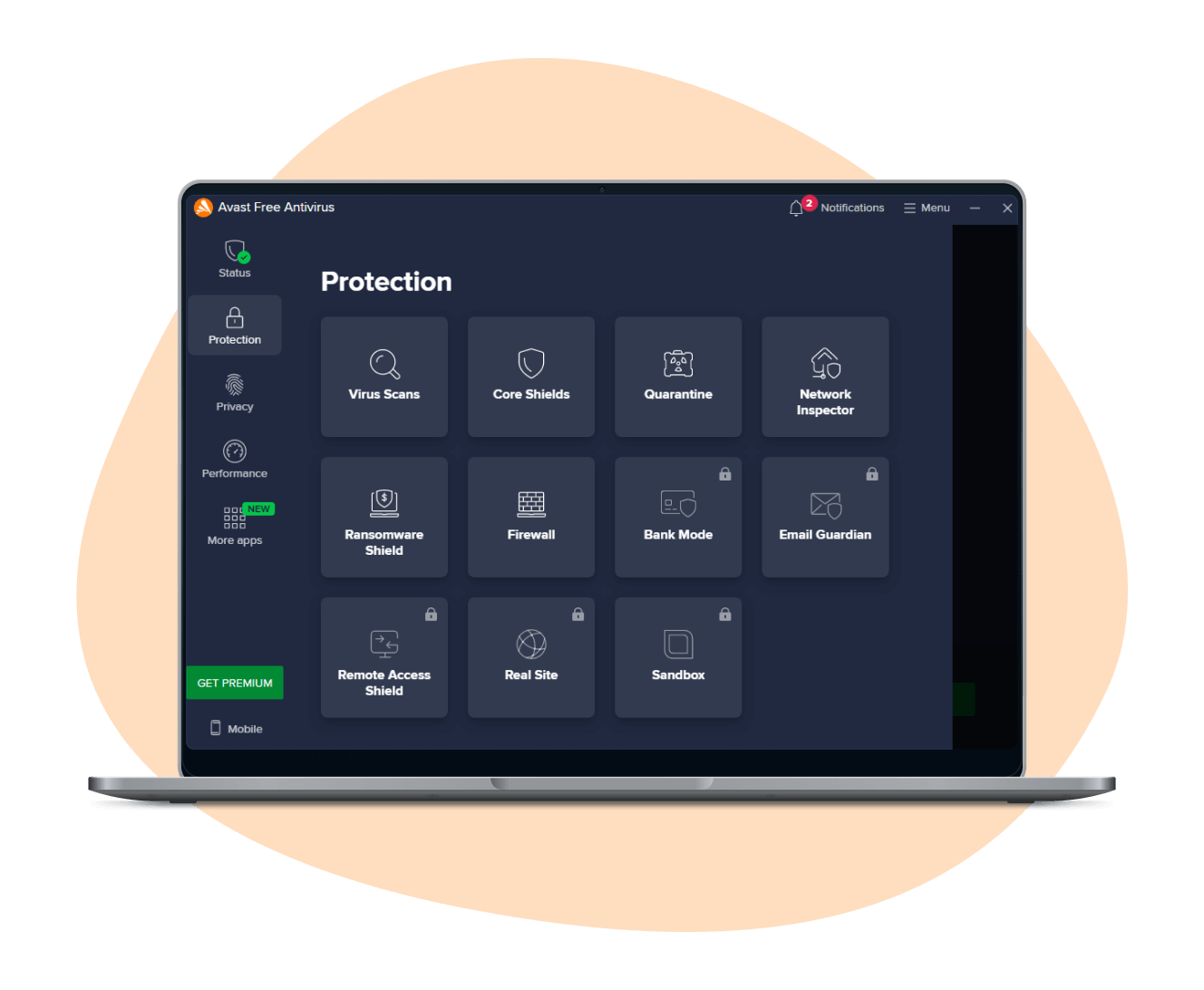
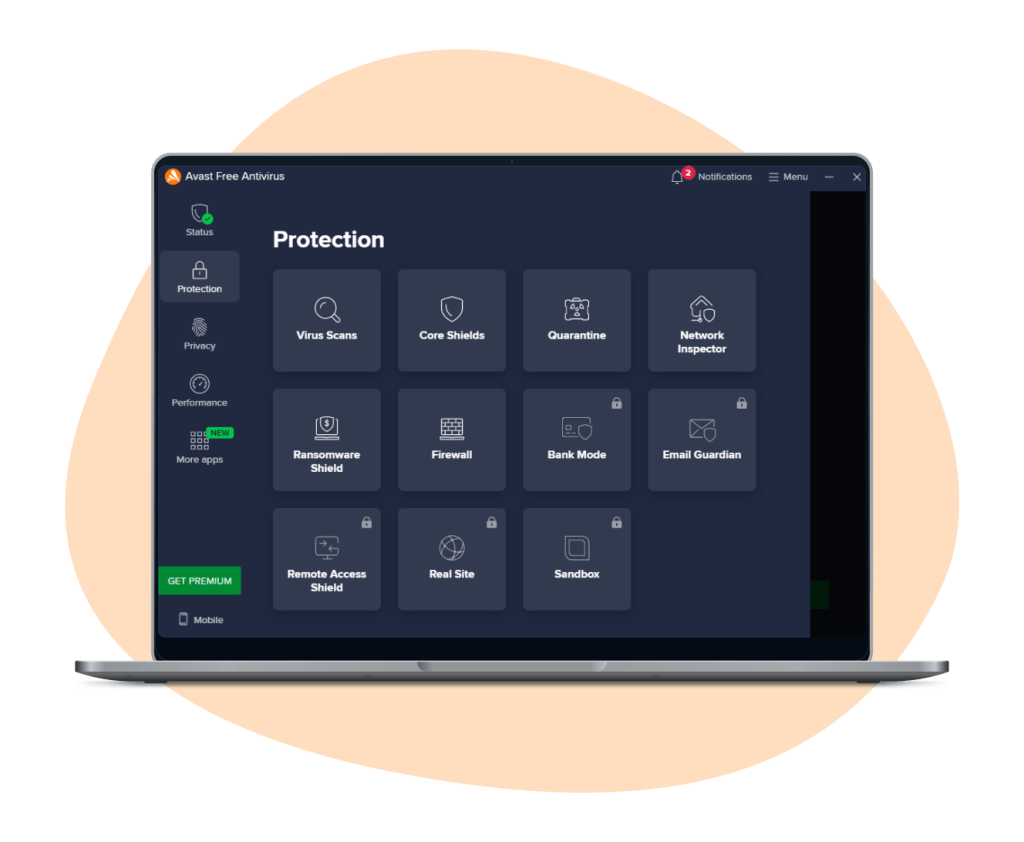
- Utilize Antivirus Software: Using reliable antivirus software can add another layer of protection. Many antivirus applications scan newly installed apps for known threats and can identify suspicious behavior. Make sure to choose a reputable antivirus solution and keep it up to date.
- Enable Google Play Protect or Apple Security Features: Both Android and iOS devices come equipped with built-in security measures. Google Play Protect scans apps for malicious activity, while Apple’s iPhone security features include strict app validation processes. Ensure these features are enabled to provide a first line of defense.
As the digital landscape grows ever more complex, these proactive measures can help ensure that your personal information remains secure. By incorporating these practices into your routine, you position yourself to navigate the world of mobile applications with greater confidence.
| Category | Description |
|---|---|
| App Permissions | Malicious apps often request excessive permissions that are unnecessary for their functionality. |
| Source Credibility | Always download apps from reputable sources such as the Google Play Store or Apple App Store. |
| User Reviews | Examine user reviews and ratings to detect patterns of negative experiences that could indicate malicious behavior. |
| Update Regularly | Regular updates from reputable developers often include security patches to protect against vulnerabilities. |
| Antivirus Software | Utilizing antivirus software can provide an additional layer of protection against potential threats. |
Being vigilant about the applications you install is crucial in maintaining the security of your devices. Awareness of app permissions, source credibility, user reviews, and keeping your software updated will help shield your device from malicious intrusions. Always evaluate an app’s background before installing it and consider implementing antivirus measures for that extra precaution. The world of mobile applications is vast and ever-evolving, and staying informed empowers users to navigate this landscape safely.
DISCOVER MORE: Click here to learn effective usability testing strategies
Enhancing Your App Security Awareness
Beyond merely identifying malicious apps, enhancing your overall awareness about app security can significantly mitigate risk. Cyber threats are constantly evolving, and understanding the landscape can empower you to make informed decisions regarding app usage and downloads. Here are additional proactive measures you can adopt to fortify your device’s protection:
- Read User Reviews: Before downloading an app, scrutinize user reviews and ratings. A plethora of negative feedback or consistent complaints about privacy issues may signal that an app is not safe. According to a report by the Federal Trade Commission (FTC), apps with poor reviews should be approached with caution. Look for comments that mention unexpected charges, data misuse, or intrusive ads.
- Download from Official Sources Only: Stick to reputable platforms like the Google Play Store or Apple App Store. These platforms have security protocols in place, screening apps for potential harm. Avoid third-party marketplaces, as they may host apps that have not undergone rigorous vetting, increasing the risk of downloading dangerous software.
- Research New Apps: New apps can often be tempting, especially if they are gaining popularity quickly. However, take time to research before downloading. Look for details such as the total downloads, developer’s website, and their response to user inquiries. Scammers often replicate popular apps but with a slightly altered name or interface, making due diligence essential.
- Enable Two-Factor Authentication: For apps that allow it, utilize two-factor authentication (2FA) as an added layer of security. This feature can protect your accounts even if a malicious app somehow gains access to your password. With 2FA, you will need to provide a second form of verification—usually a code sent to your phone—before logging in.
Staying informed and active in your approach to security can fortify your defenses against malicious applications. In a world where the average person downloads over 80 apps annually, being vigilant about app behavior is crucial.
Be Cautious of App Updates
While app updates generally enhance functionality and security, they can also introduce new risks. Cybercriminals frequently exploit updates to install malware. To safeguard your device, consider the following:
- Verify Update Source: Always ensure that updates come from trusted sources. Be cautious of prompt notifications asking for updates outside the official app stores, as these may lead you directly into a malicious trap. Authentic updates typically appear within your app store or settings directly linked to the application.
- Review Change Logs: Before proceeding with an app update, read through its change log if available. Not only will this inform you of the latest features, but it can also alert you to any concerning permissions being requested in the latest version.
- Uninstall Unused Apps: Regularly review and uninstall applications that you no longer use. Dead weight on your device may become vulnerabilities, as they could be less frequently updated and thus more susceptible to attacks over time. Establish a routine to purge unnecessary applications and free up space for more trustworthy options.
As you navigate your digital life, understanding how to identify and avoid malicious applications is not just about being reactive; it’s about fostering a proactive mindset. By cultivating these habits, you empower yourself to take command of your security, ensuring that your device remains a safe space for your personal information.
DIVE DEEPER: Click here to uncover effective usability testing strategies
Conclusion
In an era where malicious apps are becoming increasingly sophisticated, safeguarding your device is not merely advisable but essential. By adopting a vigilant and informed approach, you can significantly reduce the risk of encountering harmful applications that threaten your privacy and security. The strategies discussed in this article—such as reading user reviews, downloading apps from official sources, conducting thorough background checks on new applications, and enabling two-factor authentication—are critical components of a robust defense against cyber threats.
Moreover, staying updated on app security practices is vital as cybercriminals continuously adapt and find new methods to breach our defenses. Regularly verifying update sources, reviewing change logs, and uninstalling unused applications will further solidify your security posture. Remember, the average smartphone user manages a vast number of apps, which makes it all the more important to cultivate good habits in app management.
Ultimately, fostering a proactive mindset not only empowers you to protect your personal information but also encourages a broader understanding of digital security and privacy. As threats evolve, so should your strategies. Stay informed, remain cautious, and take control of your device’s security. By doing so, you can confidently navigate the digital landscape, minimizing the risks associated with malicious applications, and keeping your valuable data safe.

Beatriz Johnson is a seasoned tech writer and digital tools expert with a passion for simplifying the complexities of technology and mobile applications. With over a decade of experience in the tech industry, she specializes in topics like productivity apps, software reviews, and emerging digital trends. Through her work, Beatriz empowers readers to make informed technology choices and stay ahead in the ever-changing world of apps and innovation.