Best Practices for Battery Optimization in Mobile Devices
In our fast-paced world, mobile devices have become essential tools for communication, work, and entertainment. However, maintaining battery life can often feel like an uphill battle. As users rely heavily on their smartphones for a multitude of tasks—from sending emails and browsing social media to streaming videos and using GPS—knowing how to optimize battery performance is crucial for a seamless experience.
Understanding Battery Drain
Battery drain can occur for numerous reasons, including:
- Background app activity: Many apps run continuously, consuming battery even when they are not actively in use. Social media platforms, for instance, constantly refresh content in the background, draining power without the user’s awareness.
- Unoptimized settings: Failing to adjust settings such as screen brightness or notification alerts can significantly contribute to battery depletion. For example, keeping the screen brightness at maximum in well-lit environments can be unnecessarily wasteful.
- Location services: While GPS is useful for navigation, the constant use of location services by multiple applications can quickly deplete battery life. Apps like ride-sharing services or weather apps frequently access location data, even when not in active use.
Recognizing what impacts battery life lays the groundwork for more effective management. By employing tested practices, you can significantly enhance your device’s longevity and reliability, which is vital for busy lifestyles.
Why Battery Optimization Matters
Effective battery management not only extends device usability but also enhances overall performance. This aspect is particularly vital in the United States, where high phone usage rates—averaging around 4 hours a day—put immense pressure on battery resources. Implementing best practices for battery optimization can lead to:
- Reduced frequency of charging: By optimizing your device’s settings, you can reduce the number of times you need to charge your phone throughout the day, adding convenience to your busy schedule.
- Increased device lifespan: Less frequent charging and better energy management can prevent battery degradation over time, thereby extending the device’s overall life.
- Improved overall efficiency: Enhanced battery optimization translates to longer usage intervals, allowing users to accomplish more tasks without being tethered to a charger.
Diving deeper into battery optimization methods can reveal how small adjustments in daily usage behaviors can make a substantial difference. For instance, utilizing the power-saving mode during long trips or reducing data usage when connected to Wi-Fi can lead to noticeable improvements. Understanding and applying these strategies allows users to maximize the potential of their mobile devices, encouraging a more productive and enjoyable technology experience.
LEARN MORE: Click here for insights on effective usability testing
Essential Strategies for Effective Battery Management
To maximize the longevity of your mobile device’s battery life, it’s important to adopt a range of effective strategies. Implementing these best practices for battery optimization can make a significant difference in how you use your device throughout the day. Below are several actionable tips that can help you conserve battery life and enhance your mobile experience:
- Limit Background App Refresh: Many applications request to refresh information in the background, which can substantially drain battery power. By disabling background app refresh for non-essential apps, users can maintain battery life without sacrificing access to frequently used applications. To adjust this, simply head to your device settings under “General” or “Apps” and toggle off background refreshing for apps that don’t require constant updates.
- Adjust Brightness Settings: One of the most significant drains on battery life is the screen brightness. Instead of leaving it on maximum, consider enabling automatic brightness, which adjusts the display according to your surroundings. Alternatively, manually decreasing brightness during indoor use can also help conserve energy while still allowing for clear viewing.
- Utilize Power-Saving Mode: Most smartphones come with a power-saving mode that optimally reduces performance in exchange for extended battery life. Engaging this mode during prolonged periods away from charging options—such as during long flights or road trips—can help you get the most out of your battery life.
- Manage Location Services: Location services are incredibly useful, yet they are a hidden battery killer. Disable GPS usage for apps that do not need it or switch to a “Battery Saving” mode within location settings that minimizes how frequently your device retrieves location data. This step is particularly useful for social media, ride-sharing apps, or weather applications.
- Disable Notifications: Each notification received prompts your device to wake up and consume power. Limiting notifications by turning off alerts for non-essential apps can prevent unnecessary wake-ups, thereby saving battery life over time. You can manage notifications in your device settings, prioritizing those that are truly important.
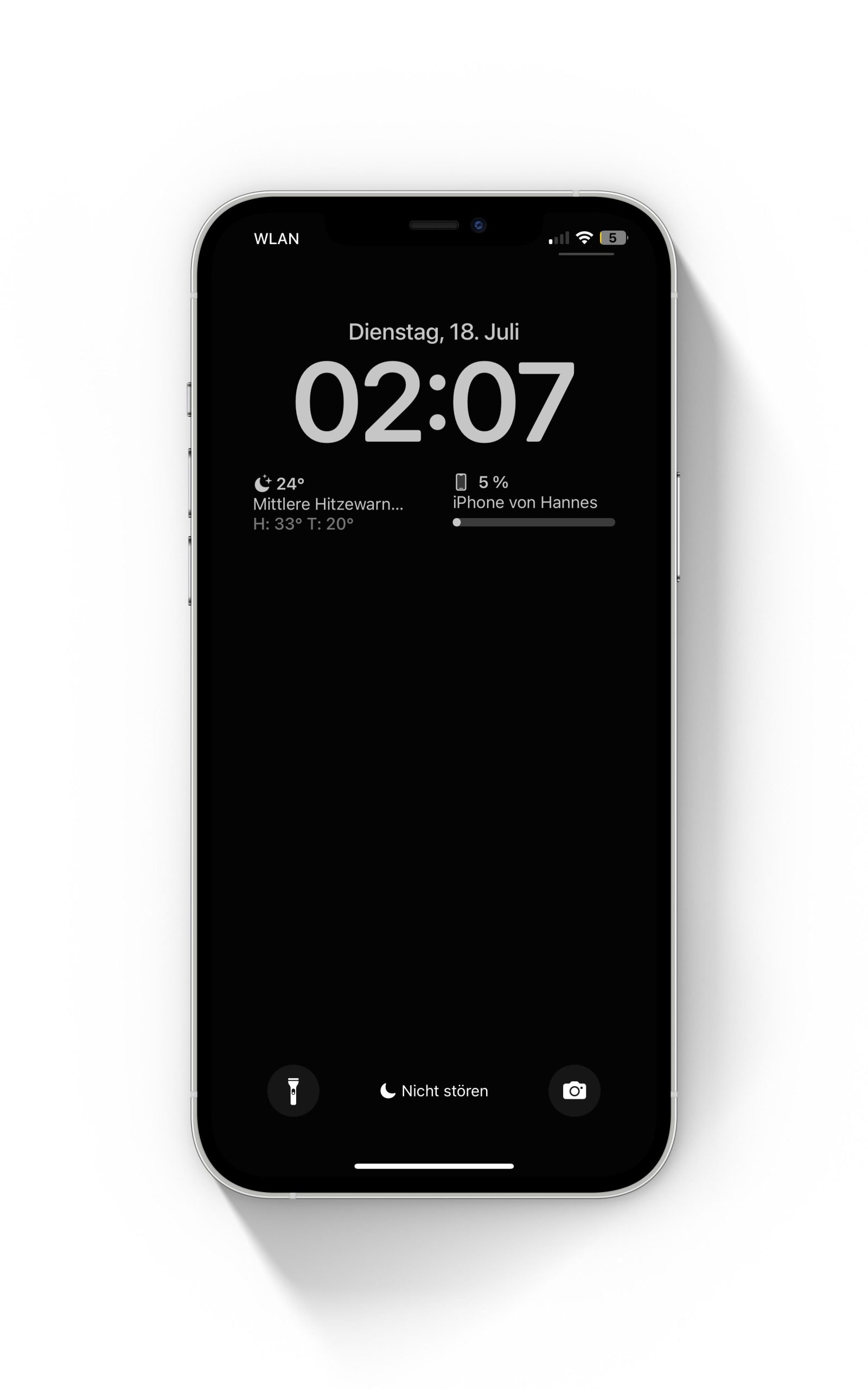
While implementing these methods, it’s essential to regularly monitor your battery usage statistics. Most mobile devices offer built-in tools that allow users to view which applications consume the most power. By staying informed, users can actively adjust their habits to maximize battery performance further.
Utilizing these strategies empowers users to take control of their mobile device’s battery life. As technology continues to evolve and users increasingly depend on mobile devices for various activities, mastering battery optimization becomes vital—not just for individual convenience but also for enhancing overall device efficiency and ensuring reliable connectivity. Knowing how and when to implement these practices can make all the difference in enjoying a well-functioning mobile experience.
| Category | Description |
|---|---|
| Screen Brightness Control | Lowering screen brightness can significantly extend battery life. Consider enabling adaptive brightness to automate this process. |
| App Management | Regularly check for background apps that drain battery. Close or uninstall apps that are not in use to optimize performance. |
When it comes to battery optimization in mobile devices, tap into these effective practices. For example, understanding the nuances of your device’s settings can influence battery efficiency significantly. The aspect of screen brightness control, when adjusted mindfully, can lead to substantial power savings. It’s about striking that perfect balance between visibility and consumption. Another crucial category is app management. Many users unknowingly keep apps running in the background, contradicting their goals for endurance. Becoming proactive by monitoring and managing applications can enhance battery longevity remarkably. This multifaceted approach opens doors to explore additional strategies for battery health and ensures mobile capabilities remain uninterrupted.
LEARN MORE: Click here to dive into usability testing techniques
Advanced Techniques for Extended Battery Efficiency
While the previously mentioned strategies provide a solid foundation for battery optimization, delving deeper into advanced techniques can yield even greater results. By understanding the intricate workings of mobile device batteries and how to fine-tune settings, users can drastically improve their device’s battery life while ensuring optimal performance.
- Limit High-Performance Features: Features such as animated wallpapers, 5G connectivity, and advanced gaming graphics can impact battery life significantly. If you’re not using high-speed internet or playing graphically intense games, consider switching off 5G capabilities or using a simpler wallpaper. Switching to a more basic display background can make a surprising difference in power consumption, especially over extended usage.
- Optimize App Usage: Certain applications, particularly social media platforms and streaming services, can be notoriously battery-intensive. Consider visiting your app settings periodically to check for updates; these apps frequently introduce options to manage battery usage more effectively. Companies are aware of battery concerns and often roll out features that allow you to choose low-power modes during particular activities or while on cellular data.
- Utilize Dark Mode: Many modern devices now come with a “Dark Mode” feature, which can significantly reduce battery consumption, especially for OLED and AMOLED screens. The darker the pixels on such screens, the less power is used. Engaging dark mode not only conserves battery but can also enhance your viewing experience in low-light environments.
- Regularly Update Your Operating System: Software updates often include enhancements to battery performance and efficiency. Make it a habit to check for updates regularly. Manufacturers constantly work on optimizing app processes and improving power-saving features within the device’s operating system. A simple update can often lead to noticeable improvements in battery life.
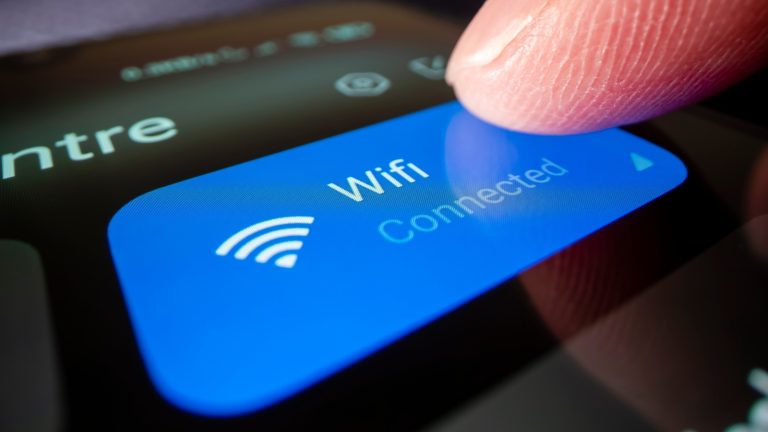
- Use Wi-Fi Over Cellular Data: Whenever possible, connect to Wi-Fi rather than relying on cellular data. Wi-Fi consumes less power than mobile data networks and can help prolong battery life during browsing or streaming sessions. Furthermore, limit unnecessary background downloads that can occur on cellular data by restricting those processes in your settings.
Engaging in these advanced techniques not only optimizes battery life but can also enhance the overall functionality of your mobile device. Staying invested in battery health includes being knowledgeable about how different activities impact battery efficiency. For instance, did you know that charging habits also affect battery longevity? Avoid letting your phone drop to an extremely low charge before recharging, as lithium-ion batteries tend to perform best when kept between 20% and 80% charged.
Furthermore, utilizing apps that track battery usage can give you insights into which behaviors deplete your battery swiftly. Making small adjustments based on these insights can lead to a more sustained battery life. While some practices might seem tedious, like adjusting settings or regularly checking app permissions, the payoff—experiencing a device that keeps up with your daily demands—is undeniably worthwhile.
DIVE DEEPER: Click here for insights on effective usability testing
Conclusion: Empower Your Device Through Battery Optimization
In today’s fast-paced digital environment, ensuring that your mobile device performs efficiently while extending its battery life has become more crucial than ever. The strategies discussed—from utilizing dark mode to managing application usage—arm users with the knowledge needed to make informed decisions about their device’s energy consumption. By adopting these best practices, you can enhance not just battery longevity but also overall device performance.
Moreover, the importance of regular system updates and mindful charging habits cannot be overstated. Small adjustments, like avoiding extreme low-level charges or selectively using high-performance features, ultimately contribute to a healthier battery. Leveraging tools that track and monitor your application’s battery impact empowers you to make data-driven choices, optimizing your mobile experience further.
As technology continues to evolve, so too will the options available for enhancing battery life. Developers and manufacturers constantly innovate with software enhancements and features aimed at conserving energy. Stay informed about these advancements and remain proactive in applying them. By doing so, not only will you enjoy the benefits of a mobile device that keeps pace with your lifestyle, but you’ll also foster the longevity of your device, ensuring it meets your needs for years to come.
In the realm of battery optimization, knowledge is power. Embrace these practices and transform the way you interact with your mobile device, turning challenges into opportunities for improved efficiency and satisfaction.

Beatriz Johnson is a seasoned tech writer and digital tools expert with a passion for simplifying the complexities of technology and mobile applications. With over a decade of experience in the tech industry, she specializes in topics like productivity apps, software reviews, and emerging digital trends. Through her work, Beatriz empowers readers to make informed technology choices and stay ahead in the ever-changing world of apps and innovation.