Best Password Practices: How to Protect Your Accounts in Applications
The Importance of Strong Passwords
In our modern digital age, where connectivity is ubiquitous, the safeguarding of personal information has emerged as a paramount concern. As individuals increasingly turn to online platforms for everything from banking to shopping, the necessity of maintaining secure and robust passwords cannot be overstated. The disturbing reality is underscored by significant statistics that reveal just how vulnerable our digital lives can be.
- Over 80% of data breaches can be attributed to weak passwords, highlighting the critical need for individuals to adopt more rigorous security measures.
- More than 70% of people resort to recycling passwords across multiple sites, a practice that tragically increases their risk of being compromised.
- The average user manages around 100 accounts, each requiring distinct passwords—an overwhelming number that complicates personal security.
These figures paint a clear portrait of necessity: to thrive in a digital ecosystem, users must adopt best password practices that not only defend their accounts but also enhance their online navigational experience. The good news is that practical solutions exist to empower users in their quest for online safety.
Strategies for Securing Your Digital Presence
First and foremost, when creating passwords, it is imperative to focus on generating strong and unique passwords for each account. A strong password should consist of a mix of uppercase and lowercase letters, numbers, and special characters—ideally spanning at least 12 characters. For example, instead of using something simple like “Password123”, consider a phrase such as “MyD0gLuvs2Play!”, which is much stronger and memorable.
Another effective strategy involves the use of password managers. These tools not only store passwords securely but also generate complex passwords, so users don’t have to remember each one. Popular options like LastPass, 1Password, and Dashlane can streamline your security practices and help manage the daunting number of passwords required by today’s technology-driven world.
Additionally, enabling two-factor authentication (2FA) across accounts adds an extra layer of defense. 2FA works by sending a one-time code to your mobile device or email, which must be entered alongside your password. This means that even if a password is compromised, the account remains out of reach without the second form of verification. Many platforms, including Google and Facebook, provide this essential security feature.
As the digital landscape continues to evolve, so must our approaches to online security. By exploring these best practices, users can significantly mitigate their risks and enjoy a safer online experience. In a world where cyber threats are increasingly sophisticated, taking proactive measures to secure personal information can make all the difference in protecting your digital identity.
DISCOVER MORE: Click here for insights on usability testing
Crafting the Perfect Password
The first step to protecting your digital identity is creating a password that stands strong against hackers and cybercriminals. But what does a strong password look like? To start, it should be a combination of letters, numbers, and symbols. Avoid using easily guessable information, such as birthdays or names of pets. Instead, think outside the box. A password that is both unique and complex can significantly reduce your vulnerability. For example, consider transforming a phrase into a password: “I love hiking in the mountains!” can be changed to something like “1L0v3Hiking!nM0unt@in$”. This method not only allows you to create a secure password but also makes it easier to remember.
The Role of Password Managers
In today’s fast-paced world, remembering numerous passwords can feel like an overwhelming chore. Enter password managers. These invaluable tools store and encrypt your passwords, allowing you to access your accounts without having to memorize each one. Many password managers also come equipped with a password generator that creates unique and complex passwords for you, adding an extra layer of security. Top-rated options available in the United States include LastPass, 1Password, and Dashlane, each offering a range of features designed to simplify your online security practice.
Moreover, using a password manager means you can switch to different, strong passwords for each account without the fear of forgetting them. This addresses the prevalent issue of password recycling, where users often duplicate the same passwords across multiple sites due to a lack of management tools. Given that over 60% of people reuse their passwords, utilizing a password manager can drastically improve your security posture.
Two-Factor Authentication: Your Security Ally
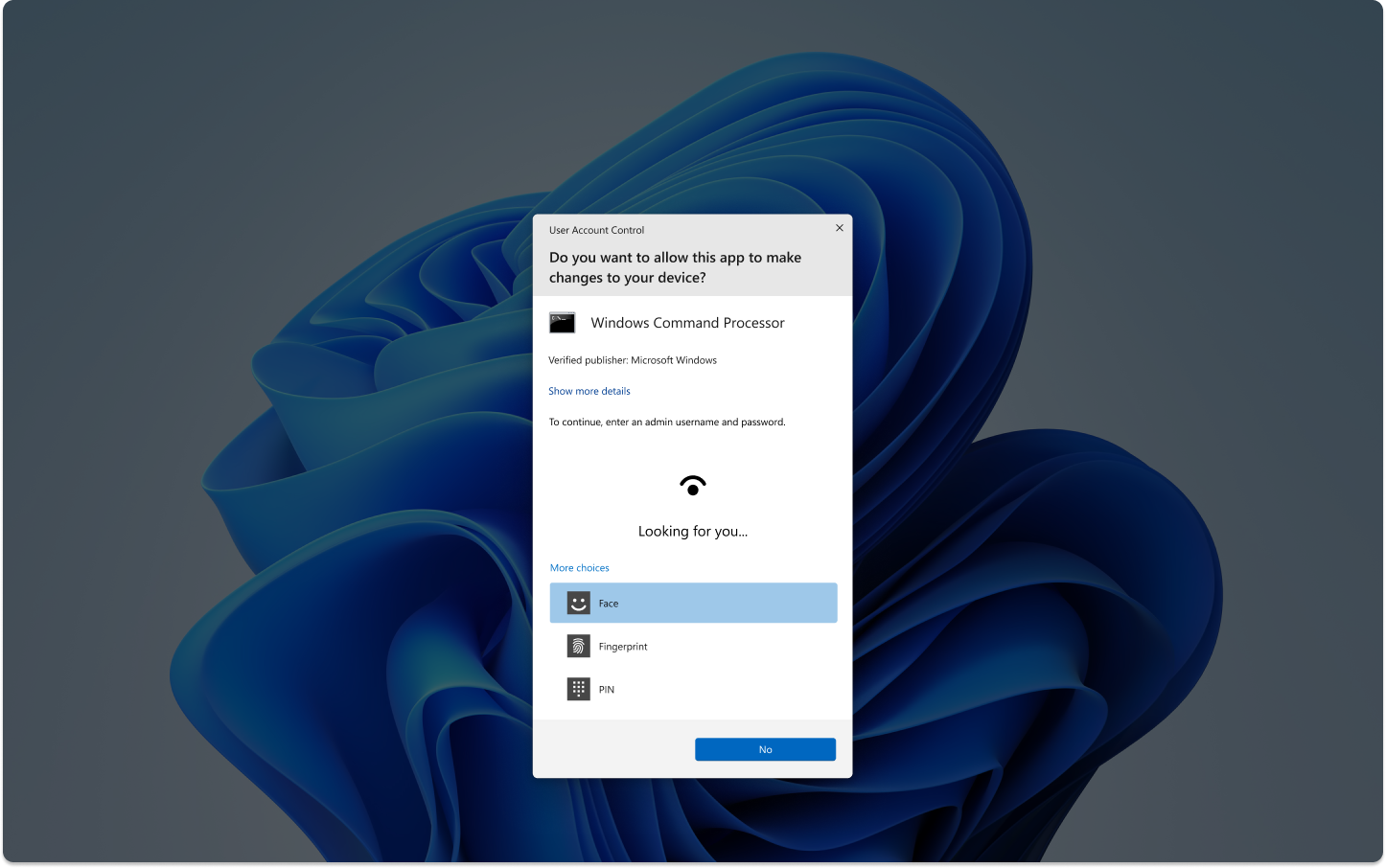
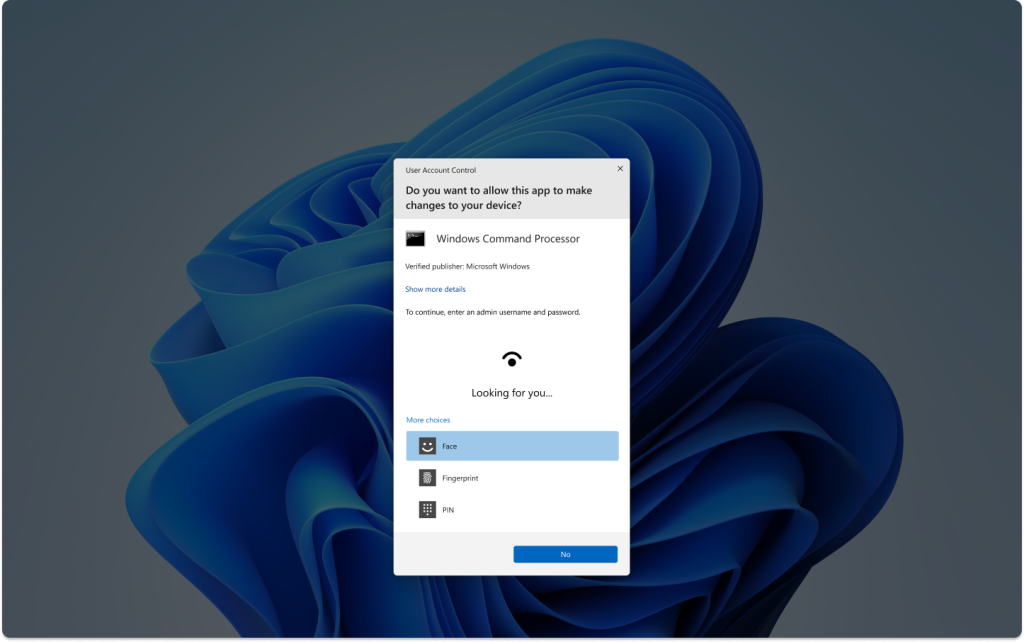
Even with strong passwords, additional security measures are necessary to fortify your accounts. Implementing two-factor authentication (2FA) is a crucial step every user should take. This security measure necessitates not only your password but also a second verification method, typically via a one-time code sent to your mobile device or email. By requiring this extra step, even if your password is compromised, your account remains protected.
Leading platforms, including Google, Facebook, and financial institutions, strongly encourage users to enable 2FA. Statistics from the cybersecurity community reveal that 70% of account breaches can be effectively thwarted by employing 2FA. This statistic reinforces the idea that even a modest extra layer of defense can significantly bolster your digital security.
As the landscape of cyber threats continues to evolve, adopting these best password practices will help ensure that your personal information remains secure. By crafting robust passwords, leveraging password managers, and activating two-factor authentication, you are taking proactive steps to safeguard your digital accounts and protect your online presence.
| Category | Benefits |
|---|---|
| Strong Password Creation | Developing passwords that are hard to guess enhances security exponentially. |
| Password Managers | Utilizing password managers allows for the storage of complex passwords without the need to remember each one. |
| Two-Factor Authentication (2FA) | Adding an extra layer of security makes unauthorized access significantly harder. |
| Regular Password Updates | Changing passwords regularly can prevent long-term access by malicious actors. |
When considering the best password practices, it is crucial to implement strategies that not only safeguard your accounts but also make it easier to manage multiple passwords effectively. Using a combination of strong password creation techniques, secure storage, and multi-factor authentication can drastically reduce the risk of account breaches. Each of these categories serves a unique purpose in creating a comprehensive security posture that further solidifies your online presence. Want to ensure your digital safety? Explore these options further and take command of your passwords today!
DISCOVER MORE: Click here to learn about effective usability testing
The Importance of Regular Password Updates
One critical practice that often goes overlooked is the need for regular password updates. Cyber threats are constantly evolving, and so should your passwords. Experts recommend changing your passwords at least every three to six months. This limits the window of opportunity for hackers who may have obtained your password through data breaches or phishing attacks.
It is particularly essential to update passwords associated with sensitive accounts, such as online banking or email accounts, which often serve as gateways to access other accounts. Services like Have I Been Pwned can alert you when your information has been compromised, prompting immediate action to change your passwords. Additionally, consider setting reminders on your calendar or using features within password managers to notify you when it’s time for a password refresh.
The Dangers of Public Wi-Fi
As people increasingly rely on public Wi-Fi networks in places such as coffee shops, libraries, and airports, the risks associated with unsecured connections have become more evident. Connecting to public Wi-Fi without the protection of a Virtual Private Network (VPN) can expose your passwords to prying eyes. Cybercriminals can exploit these networks to intercept data, including your login credentials.
To safeguard against these risks, always use a VPN when accessing sensitive information over public networks. A VPN encrypts your online activity, making it significantly harder for hackers to gather your data. Additionally, consider accessing your financial information or sensitive applications only through secured personal networks whenever possible, effectively bypassing the risks associated with public Wi-Fi.
Beware of Phishing Attacks
Phishing attacks continue to be one of the most common ways hackers achieve unauthorized access to accounts. These attacks can take many forms: emails that appear legitimate, SMS texts, or even phone calls pretending to be from reputable organizations. They often prompt users to provide their login credentials or click on malicious links.
- Verify sender details: Always check the email address or contact number. Phishing attempts often come from addresses that look similar to legitimate ones but are slightly altered.
- Hover over links: Before clicking any hyperlinks, hover your mouse over them to see the actual URL. If it doesn’t look legitimate, do not click.
- Look for red flags: Abnormal requests, threats, or urgent language in any message should raise suspicion, so take a moment to think before acting.
Staying vigilant against phishing attacks and applying these practices can significantly reduce the risk of identity theft and unauthorized access to your accounts. Educating yourself about the characteristics of phishing attempts can empower you and your associates to guard against this prevalent threat.
Conclusion
While creating strong passwords, utilizing password managers, and enabling two-factor authentication are essential aspects of digital security, keeping your passwords updated, recognizing the dangers of public Wi-Fi, and remaining alert to phishing scams round out a comprehensive security strategy. By remaining proactive and informed, you contribute to a safer online ecosystem.
DIVE DEEPER: Click here to discover effective usability testing strategies
Rethinking Digital Security: Passwords and Beyond
In a world driven by technology, the imperative of adopting best password practices has never been clearer. As individuals navigate vast digital landscapes filled with personal and professional data, the risks associated with weak passwords can lead to devastating consequences, from identity theft to financial loss. Effective strategies for password security include not only creating robust, unique passwords for each use but also employing password managers. These tools can generate and store complex passwords, ensuring that each of your accounts is fortified against unauthorized access.
Among these strategies, regularly updating your passwords stands out as a crucial defense mechanism. Much like changing the locks on your front door, routinely refreshing your passwords can thwart potential hackers who may attempt to exploit previously leaked credentials. For instance, the infamous 2017 Equifax data breach compromised the personal information of over 147 million consumers, highlighting the necessity of password vigilance.
Understanding the Risks of Public Wi-Fi
Moreover, as the proliferation of public Wi-Fi networks continues, the accompanying risks demand attention. Utilizing a Virtual Private Network (VPN) can significantly enhance your security while browsing online, especially when accessing sensitive information. A VPN encrypts your internet connection, effectively masking your online activity from potential eavesdroppers. For those frequently working in cafes or libraries, this means a reduced risk of data theft.
Staying Alert Against Phishing Scams
Beyond secure passwords and protective tools, remaining alert to the ever-present threat of phishing attacks is vital. These can manifest as emails or messages that seem legitimate but are, in fact, deceptive attempts to steal your information. Recognizing telltale signs—such as unexpected requests for sensitive details or suspicious links—can empower you to avoid falling victim to these scams. For example, a recent trend involves counterfeit emails appearing to come from trusted entities like banks or government agencies, urging users to verify their accounts.
Ultimately, the onus of safeguarding your accounts lies with you. By implementing these best practices and staying informed about emerging cybersecurity threats, you can cultivate a resilient online presence. Remember, a secure password isn’t merely a random assortment of characters; it serves as a critical line of defense for your personal and professional information. Harness available resources, stay diligent, and make safety a priority in your digital endeavors. By doing so, you can navigate the online world with confidence and peace of mind.

Beatriz Johnson is a seasoned tech writer and digital tools expert with a passion for simplifying the complexities of technology and mobile applications. With over a decade of experience in the tech industry, she specializes in topics like productivity apps, software reviews, and emerging digital trends. Through her work, Beatriz empowers readers to make informed technology choices and stay ahead in the ever-changing world of apps and innovation.