Enhancing Your Device Security: Optimization Tips for Effective Malware Protection and Software Maintenance
Understanding Cyber Threats
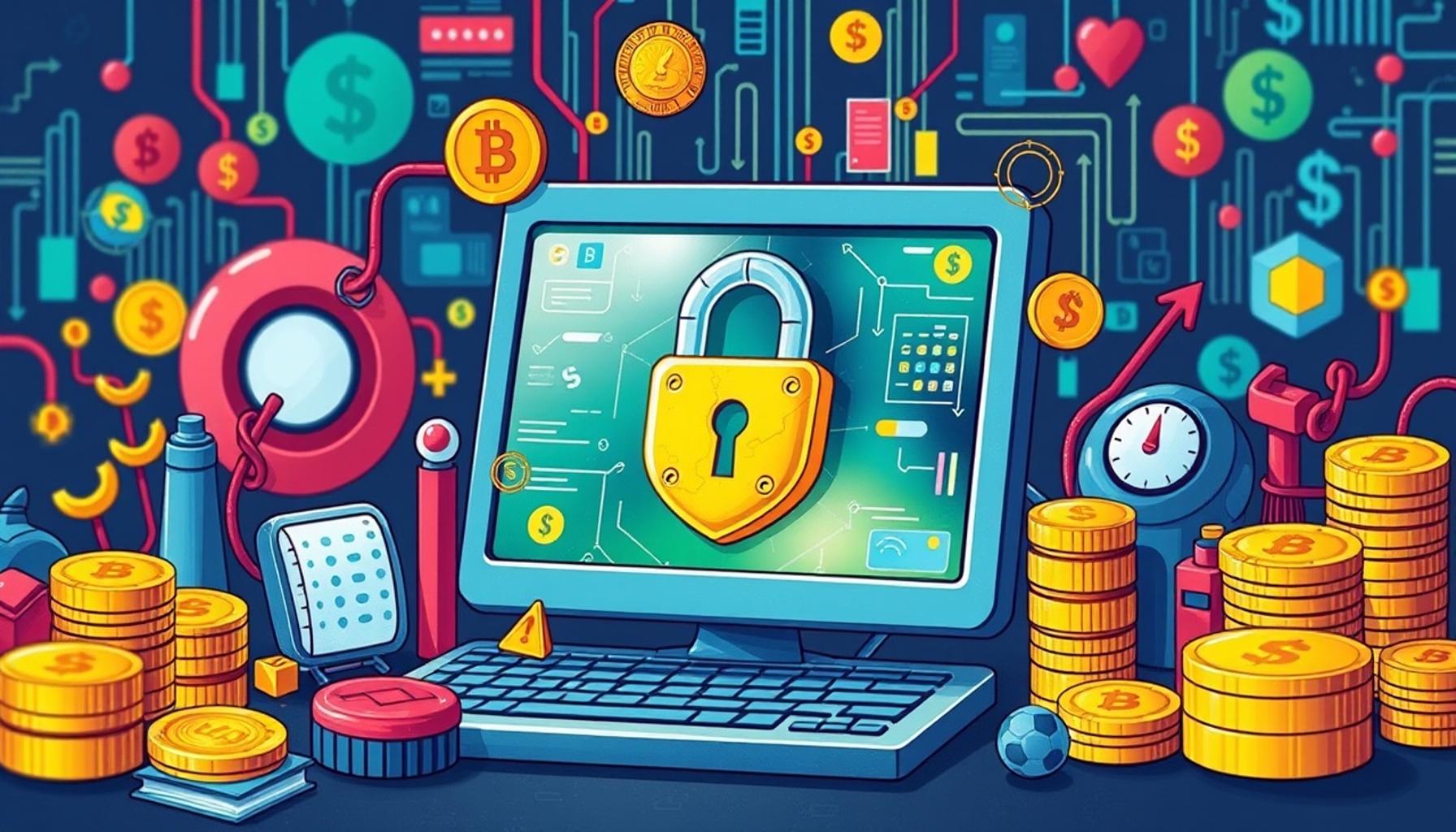
In the rapidly evolving landscape of the internet, it is crucial to recognize that cyber threats are pervasive and increasingly sophisticated. As technology advances, so do the methods employed by cybercriminals. A report from Cybersecurity Ventures predicts that global cybersecurity spending will exceed $1 trillion from 2017 to 2021, highlighting the escalating intensity of these threats. To ensure your device remains secure, taking proactive measures is essential.
Key Areas for Effective Malware Protection
One of the most crucial steps in fortifying your digital defenses is by focusing on regular software updates. Many software developers release updates that patch vulnerabilities. For instance, a notorious flaw in Microsoft Windows was exposed last year, which could allow hackers to gain unauthorized access to sensitive data. Regularly updating your operating system and applications effectively minimizes such risks, making it harder for malware to exploit flaws.
Another essential layer of protection is antivirus protection. Utilizing reputable antivirus programs, such as Norton, Bitdefender, or Kaspersky, can help detect and eliminate threats before they wreak havoc on your system. These programs often include features like real-time scanning and behavior analysis, ensuring even the newest strains of malware can be intercepted swiftly.
User Behavior and Safe Online Practices
User behavior significantly impacts device security. Practicing safe browsing—such as avoiding suspicious links and refraining from downloading unknown files—is vital. For example, phishing scams often rely on social engineering tactics to lure users into clicking malicious links disguised as legitimate sources. Always hovering over links to preview the URL can help you avoid falling into these traps.
Software Maintenance Essentials
Aside from protective measures, software maintenance plays an indispensable role in safeguarding your data and privacy. Establishing a regular routine for data backup can be a lifesaver. Utilizing cloud storage solutions like Google Drive or Dropbox ensures that you can recover essential files in the event of a ransomware attack, which can render your data inaccessible.
Equally important is system cleanup. Regularly removing unnecessary files and applications can not only improve device performance but also eliminate potential vulnerabilities. Malicious software often hides within outdated or unused applications. A periodic audit of your software environment can help mitigate this risk.
Enhancing Your Security Framework
Finally, proper firewall settings add an extra layer of protection to your network. Firewalls act as barriers between your device and potential threats from the internet. Configuring your firewall to block incoming connections from untrusted sources can help deter attackers from gaining access to your network. This is particularly important in an age where many households utilize multiple connected devices, increasing the potential entry points for cyber threats.
By incorporating these optimization tips, you can significantly enhance your device’s security framework. Understanding and implementing these strategies can empower you in the ongoing battle against malware and unauthorized access, ensuring that your digital life remains safe and functional.
Essential Optimization Strategies for Device Security
To effectively enhance your device’s security, it is imperative to adopt a multi-faceted approach that encompasses various optimization strategies. Each layer you add amplifies your defenses against malware, which is becoming more prevalent and complex. With over 350,000 new malware variants emerging daily, ensuring robust protection for your devices should be a top priority.
Leverage Strong Password Practices
One of the most straightforward yet often neglected tactics to bolster your device security involves implementing strong passwords and multi-factor authentication (MFA). A strong password should consist of at least twelve characters, mixing uppercase letters, lowercase letters, numbers, and symbols. For added protection, consider utilizing a password manager that encrypts and securely stores your credentials, making it easier to use unique passwords for different accounts.
- Create unique passwords for every account to minimize risks.
- Enable multi-factor authentication to add an extra layer of security.
- Regularly update your passwords and avoid using easily guessable information.
Network Security Measures
In addition to safeguarding your device, it is vital to consider network security. A secure Wi-Fi network acts as a fortress protecting your connected devices. Change the default SSID and password of your router and ensure that you are using the latest encryption, such as WPA3, to safeguard your connection from unauthorized access. Additionally, consider disabling remote management settings unless necessary, as this can be a potential entry point for cybercriminals.
Another essential component of network security is the management of connected devices, often referred to as the Internet of Things (IoT). Each device on your network can serve as a potential vulnerability if not adequately protected. Regularly update the firmware of your IoT devices and monitor their behavior for any unusual activity. By doing so, you reduce the risk of these devices being exploited to gain access to your broader network.
Regular Monitoring and Alerts
Continuous vigilance is necessary to proactively defend against cyber threats. Implementing real-time alerts for suspicious activities can help you respond swiftly to potential breaches. Many antivirus solutions offer features that notify users of unauthorized access or anomalous behavior. These alerts allow you to take immediate action, such as changing passwords, quarantining infected files, or seeking professional help to address the issue.
Additionally, regular audits of your devices and networks are invaluable in identifying vulnerabilities before they are exploited. Maintain a routine schedule for these checks and make it a point to document any security incidents. By doing so, you establish a sense of accountability and can better track the effectiveness of your security measures.
By incorporating these essential optimization strategies into your security routine, you not only fortify your device against potential threats but also enhance your overall digital hygiene. In this age of increasing cybersecurity hazards, knowledge and proactive measures are your best defenses against malware and unauthorized access.
| Category | Key Features and Benefits |
|---|---|
| Regular Software Updates | Ensure latest security patches are applied to combat newly discovered vulnerabilities. |
| Antivirus Protection | Using reputable antivirus software can provide real-time protection against malware threats. |
| Secure Password Management | Implementing a password manager enhances security by generating strong passwords and reducing the risk of breaches. |
| Firewall Activation | Keeping your firewall enabled helps block malicious traffic and unauthorized access to your network. |
To ensure comprehensive security for your devices, understanding the importance of each category listed is crucial. Regular software updates not only apply the latest security enhancements, but also improve overall performance. Meanwhile, competent antivirus protection acts as your immediate defense line against both known and emerging threats. Utilizing a secure password manager not only simplifies your online experience but significantly reduces the chances of your accounts being compromised. Additionally, an enabled firewall represents a non-negotiable barrier against attacks, safeguarding your sensitive information. Each element plays a pivotal role in the multi-layered defense strategy essential for effective malware protection and software maintenance. Exploring these aspects further will empower users to take proactive steps toward safeguarding their digital assets.
Updating Software and Operating Systems
A cornerstone of device security lies in regularly updating your software and operating systems. Software developers frequently release updates to patch vulnerabilities and improve overall security. Failing to install these updates can leave your devices exposed to potential threats that exploit known weaknesses. According to the Cybersecurity and Infrastructure Security Agency (CISA), an astounding 80% of data breaches are attributed to vulnerabilities that could have been mitigated through timely software patching.
To streamline this process, enable automatic updates for your operating systems and critical applications wherever possible. Also, set a calendar reminder to check for updates on less frequently used software. Familiarize yourself with the “end-of-life” schedules of your applications; using outdated software increases your vulnerability substantially. Maintain a proactive stance by assessing whether your device is compatible with the latest versions of software, especially third-party applications.
Implementing Robust Antivirus Solutions
Another essential optimization strategy for enhancing device security is to invest in a reputable antivirus solution. Today’s advanced malware often evades detection using sophisticated techniques, so relying on basic built-in protections can be risky. A comprehensive antivirus software should include features like real-time scanning, automatic updates, and malware removal tools to combat the evolving landscape of threats.
Some popular antivirus solutions in the United States include Norton, McAfee, and Bitdefender, each offering a level of protection that can be tailored to individual users or small businesses. It is advisable to conduct thorough research and utilize free trials where available to determine which solution aligns best with your specific needs. Remember, no software can guarantee 100% security, but a robust antivirus can significantly mitigate risks.
Backup Your Data Regularly
Data loss can happen suddenly and devastatingly, whether from a malware attack, hardware failure, or natural disaster. Therefore, maintaining regular data backups is an integral part of any security strategy. The 3-2-1 backup rule—three total copies of your data, two of which are local but on different devices, and one copy stored off-site—ensures that critical information remains safe. Popular cloud storage solutions such as Google Drive, Dropbox, and iCloud offer users an extra layer of protection against loss.
Create a backup schedule that aligns with how often your data changes. For example, if you work with sensitive documents daily, consider daily backups. In contrast, less frequently modified data may require weekly or monthly backups. Make sure these backups are secure and encrypted to prevent unauthorized access.
Educate Yourself About Phishing and Social Engineering
As technology advances, so do the tactics employed by cybercriminals. Phishing and social engineering attacks have become increasingly sophisticated, targeting even the most cautious users. Understanding these tactics is crucial to maintaining security. Phishing scams might involve deceptive emails that appear to be from legitimate organizations, prompting users to divulge sensitive information or download malicious software.
Education is your frontline defense. Stay informed by reading up on the latest phishing techniques—many cybersecurity websites provide detailed insights on how scammers operate. Enable security features like email filtering and spam detection, which can help mitigate these risks. If an unfamiliar email requests sensitive information or prompts you to click a suspicious link, always verify the source before taking any action.
By following these optimization strategies, you not only strengthen the defenses of your devices against malware but also cultivate a culture of security awareness that can resonate across your network. A proactive approach to software maintenance and security measures is the key to staying ahead in the ever-evolving cyber threat landscape.
Conclusion
In an age where digital connectivity is paramount, enhancing your device security has never been more crucial. The strategies outlined in this article serve as essential building blocks for effective malware protection and software maintenance. By prioritizing the regular updating of software and operating systems, you safeguard your devices against vulnerabilities that cybercriminals continuously seek to exploit. Investing in reputable antivirus solutions further bolsters your defenses, providing you with a safety net that adapts to emerging threats.
Moreover, establishing a routine for data backups is a wise precaution against unforeseen data loss. Adhering to the 3-2-1 backup rule not only ensures the safety of your critical information but also offers peace of mind amid potential disasters. Equally important is your commitment to educating yourself about phishing attacks and social engineering tactics, as knowledge equips you to identify and circumvent manipulative schemes targeting unsuspecting users.
Ultimately, enhancing your device security is a continuous journey rather than a one-time fix. Embracing a proactive approach fosters a culture of security awareness that extends beyond personal devices, influencing those within your network. Stay vigilant, remain informed, and explore resources available through trusted cybersecurity organizations. As threats evolve, so too must our strategies; take charge of your digital safety today and ensure your devices are secure in an ever-changing cyber landscape.