Safe Navigation: Setting Up Your Browser to Protect Your Personal Data
The Importance of Browser Security
In an increasingly interconnected world, where every click can lead to potential risks, the security of your web browser becomes paramount. Your browser is not just a tool for accessing the internet; it is a critical point of contact for numerous online services and platforms that house personal information. With the constant evolution of technology, threats to your personal data are also becoming more sophisticated. The reality is that your online activities can leave a trail of information that can easily be exploited by malicious entities.
To illustrate just how prevalent these issues are, consider the following statistics:
- As highlighted by recent research, over 60% of U.S. adults have found themselves victims of some form of data breach, with personal passwords and financial information being at the forefront of stolen data.
- Phishing attacks, which trick users into providing sensitive information through fraudulent websites or emails, affect millions of users each day, highlighting the necessity for vigilance.
- Privacy advocates further emphasize that data collection occurs frequently without user consent, particularly through tracking cookies, which monitor user behavior across the internet.
With this backdrop of threats surrounding digital interactions, it becomes crucial to prioritize actions that can bolster your browser’s defenses. Below are some effective strategies to secure your online experience:
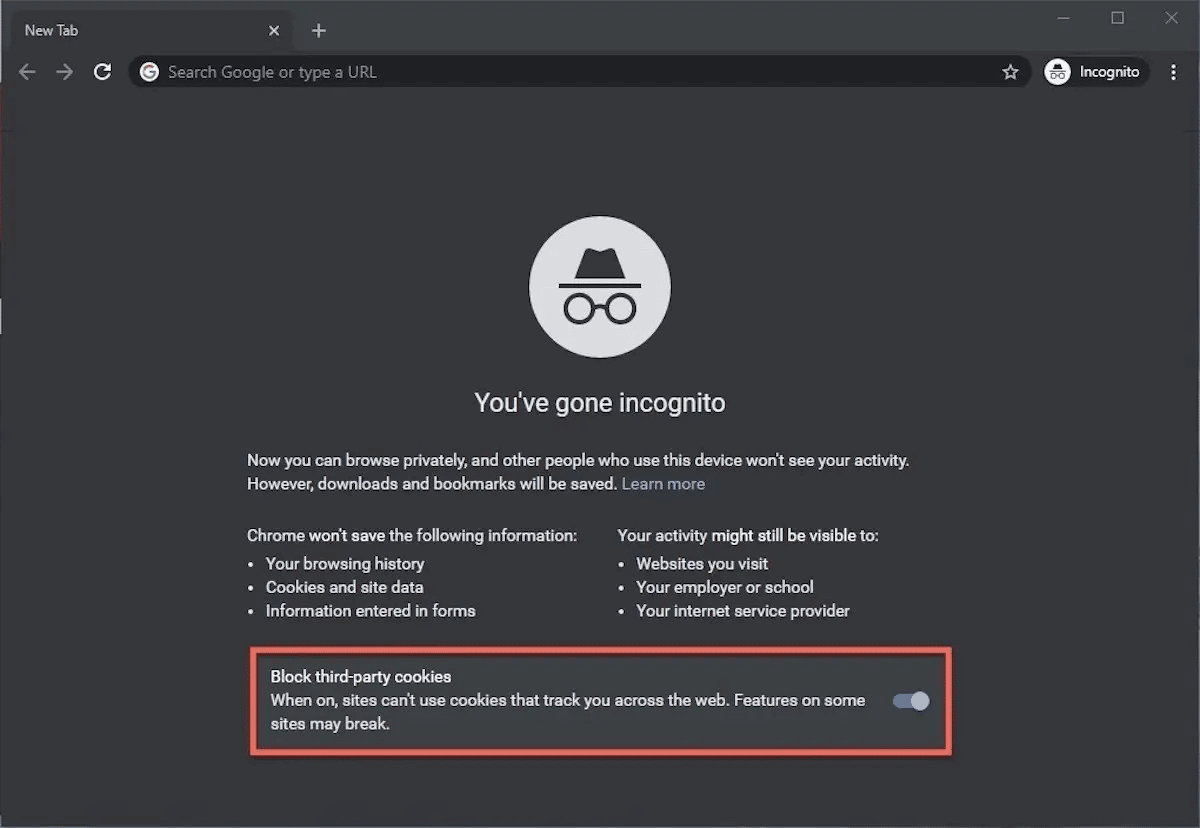
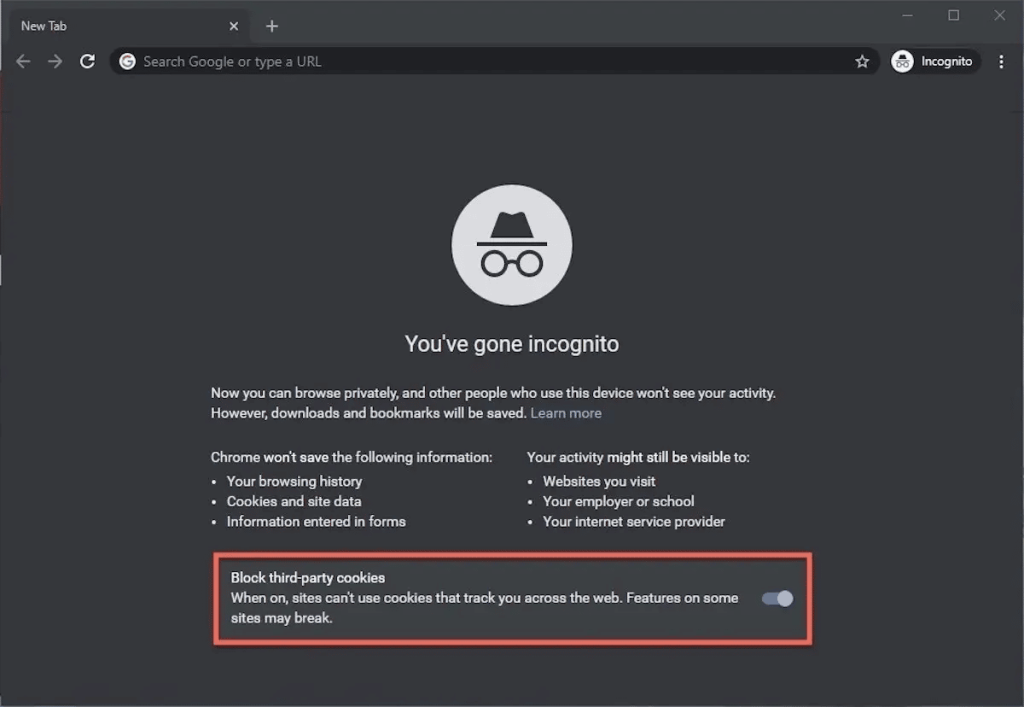
- Enable privacy settings: Many web browsers come with default settings that prioritize user experience over security. By accessing the privacy settings menu, you can adjust your preferences—such as disabling third-party cookies, which are often used for tracking purposes.
- Utilize security extensions: There are numerous browser extensions designed to enhance security. For instance, ad-blockers not only reduce intrusive ads but also help prevent trackers from following your online activities. Tools like HTTPS Everywhere ensure that your connections to websites are encrypted, providing another layer of security.
- Keep your software updated: Regularly updating your browser and operating system is a straightforward way to protect yourself from the latest security vulnerabilities. When developers discover flaws, they issue patches that prevent potential exploitation.
Your web browser can serve as a formidable ally in the battle for personal data protection. By being proactive and adapting your browsing habits, you can significantly reduce the risks associated with online activities. Understanding these security measures empowers you to navigate the digital landscape more confidently. As we delve deeper into the nuances of browser security, it is essential to equip yourself with the right information and tools to safeguard your digital identity effectively.
DISCOVER MORE: Click here to enhance your usability testing skills
Essential Steps for Securing Your Browsing Experience
As digital threats become increasingly sophisticated, taking proactive measures to secure your browser can mean the difference between safeguarding your data and falling victim to cybercriminals. Understanding the essential steps to enhance browser security not only protects your personal information but also empowers you as a user in the ever-evolving digital landscape.
Let’s explore key security practices that will help you navigate the internet safely and effectively:
- Choose a Secure Browser: Start with a browser known for strong security measures. Options like Mozilla Firefox and Google Chrome often prioritize user data protection, offering built-in features such as phishing protection and sandboxing technology. Research the privacy policies and data handling protocols of different browsers to find one that aligns with your security needs.
- Inspect Website Security: Before entering any personal information, check the website’s security status. Look for HTTPS in the URL bar, which indicates that the site encrypts your data during transmission. Many browsers now display a padlock icon next to the URL, providing a quick visual cue of the site’s security status.
- Manage Passwords Wisely: Password management is crucial for online security. Using strong, unique passwords for different accounts can prevent unauthorized access. Consider using a password manager to simplify this process. Tools like LastPass or 1Password securely store and encrypt your passwords, making them easily accessible while protecting your sensitive information.
- Regularly Clear Your Cache and Cookies: Accumulated cookies and cache not only take up storage space but can also give advertisers unwanted insights into your browsing habits. Clearing them regularly enhances your online privacy. You can schedule this in your browser settings, ensuring your data stays fresh and your history minimizes potential leaks.
- Turn On Two-Factor Authentication (2FA): Whenever possible, enable 2FA on your accounts, adding an extra layer of security that requires a second form of identification. This could be a code sent via text or an authentication app. It’s a simple yet effective way to protect your personal data even if your password is compromised.
By implementing these strategies, you not only bolster your browsing security but also cultivate habits that discourage data breaches. Knowledge of how to protect your online presence can turn an intimidating aspect of modern life into a manageable practice. The digital world is rife with potential threats, but being equipped with the right tools and knowledge will enhance your confidence as you navigate through it.
As we continue to unveil more strategies for keeping your browser secure, remember that every small step you take contributes to a much larger defense against online threats.
| Advantage | Description |
|---|---|
| Enhanced Privacy Controls | Browsers offer customizable settings to block third-party cookies and trackers, ensuring your browsing history remains private. |
| Secure Connections | By enabling HTTPS, you ensure that your data is encrypted during transmission, providing an additional layer of security against eavesdroppers. |
| Built-in Security Features | Most modern browsers come with security tools like phishing protection and automatic updates to defend against the latest threats. |
| Browser Extensions | Utilizing privacy-focused extensions can bolster your browser’s capabilities, providing additional threat detection and content blocking functionalities. |
In today’s digital landscape, protecting your personal data has never been more crucial. Understanding how to effectively set up your browser is a vital first step in enhancing your online security. Each of these advantages serves as a foundation for safe browsing, helping you navigate the web with confidence. Exploring the configurations available in your browser can lead you to discover new methods of safeguarding your privacy. As you delve deeper, consider how these features not only protect your personal information but also empower you to take control over your digital footprint.
DIVE DEEPER: Click here to learn how to conduct effective usability testing
Further Enhancements to Your Browser Security
Despite implementing the initial steps, there are additional measures you can take to ensure your online safety. These nuances in browsing habits can play a pivotal role in combating emerging cyber threats as well as maintaining your privacy. Here are several advanced strategies worth considering:
- Utilize Browser Extensions Wisely: Enhance your browsing experience by integrating privacy-focused extensions. Tools like uBlock Origin block intrusive ads and trackers, while HTTPS Everywhere ensures you always connect through the secure protocol. Additionally, consider using Privacy Badger, a tool designed to automatically block trackers based on their behavior, further fortifying your defense against unwanted surveillance.
- Keep Your Browser Updated: It may seem simple, but regularly updating your browser is vital. Browsers frequently release updates to patch vulnerabilities that could be exploited by hackers. Enabling automatic updates ensures you don’t miss essential security patches, thus warding off potential threats while maintaining a smooth browsing experience.
- Disable Unnecessary Features: Some built-in features in browsers can unknowingly expose your personal data. For instance, location tracking can reveal your whereabouts to websites. Consider disabling geolocation services in your browser settings unless absolutely necessary. Similarly, look into turning off access to your camera and microphone unless you are engaged in activities that require such permissions.
- Practice Safe Clicking: Regardless of how secure your browser is, being cautious about the links you click is paramount. Phishing attacks often lure unsuspecting users into revealing their credentials by impersonating legitimate websites. Always hover over links to check the URL and be wary of unsolicited emails or messages that urge immediate action.
- Use a Virtual Private Network (VPN): To further disguise your online activities, consider subscribing to a reputable VPN service. A VPN encrypts your internet connection, making it extremely difficult for third parties to eavesdrop on your browsing data. This is especially critical when using public Wi-Fi networks, which are notorious for being less secure.
Equipping your browser with these tools and practices establishes a robust protective shield around your personal data. With online privacy becoming a growing concern, these steps empower you to lead a more secure digital life. Furthermore, engaging actively in your online security will provide peace of mind, allowing you to focus on using the internet for its endless opportunities without the constant worry of data breaches or unauthorized access.
As evolving technologies bring forth new threats, being informed and proactive about your browser’s security configurations is your best line of defense. Continuous exploration of tools and methodologies will enhance your understanding and application of safe browsing practices. Remember, a browser is only as secure as you choose to make it.
DISCOVER MORE: Click here to learn about effective usability testing
Conclusion
As our digital landscape evolves, prioritizing browser security is no longer optional; it is imperative. The steps discussed throughout this article illuminate the pathways to enhance your browsing experience while safeguarding your personal data. By utilizing privacy-minded browser extensions, regularly updating your software, and judiciously disabling unnecessary features, you can create a fortified environment that discourages cyber threats.
Moreover, practicing safe internet habits, such as being cautious with links and opting for a reputable VPN, adds an additional layer of protection against the maneuvers of hackers and data trackers. Remember that every decision made while navigating the web plays a crucial role in the overarching goal of online privacy. Each minor adjustment, from tweaking browser settings to employing security tools, compounds into a robust defense.
Ultimately, your journey towards safe navigation is an ongoing one. As new technologies emerge and cyber threats grow in sophistication, staying informed and adaptable is essential. Consider this as more than just a checklist; it is an invitation to cultivate a culture of security awareness in your online activities. By taking ownership of your browser’s security, you not only protect your personal data but also contribute to a more secure internet environment for everyone. Explore these practices further, and empower yourself to navigate the vast digital ocean safely and confidently.