How to Clean and Organize Storage on Your Device for Better Performance
The Importance of Optimizing Device Performance
In today’s fast-paced digital world, maintaining optimal device performance is crucial. Storing countless files, apps, and media can slow down your device significantly, putting a damper on productivity and impeding your user experience. But fear not; with a few simple steps, you can reclaim your device’s speed and efficiency, allowing for smoother operation and enhanced functionality.
Common Culprits of Device Clutter
As you navigate the digital landscape, it is essential to recognize the common culprits that contribute to device clutter:
- Unused applications and games: Many users install various apps for one-time use or experiment with games that don’t spark joy after a few sessions. These unused applications can accumulate and take up precious storage, leading to a sluggish device.
- Duplicate files and photos: Accidentally saving multiple copies of the same image or document can sap your storage space without adding any value. A quick search through your media library may uncover a treasure trove of duplicates just waiting to be deleted.
- Large downloads: Files such as videos, PDFs, and presentations often occupy substantial space. Regularly reviewing and deleting files that are no longer needed prevents unnecessary storage strain.
- Outdated software: Software updates not only introduce new features but optimizations and performance fixes as well. Running outdated applications can hinder your device’s efficiency, leading to crashes and slow responses.
The Benefits of a Clean Digital Space
Cleaning and organizing your storage not only enhances performance but also frees up space for new content. A decluttered device can lead to several notable benefits:
- Faster load times for apps: An organized device can drastically speed up the time it takes to open and navigate apps, allowing you to get more done in less time.
- Improved battery life: When you reduce background processes caused by unnecessary apps or files, you can extend your device’s battery life, keeping your device functional for longer periods.
- Better overall user experience: A clean device not only feels better but performs better. A seamless user experience can enhance your satisfaction and encourage more effective use of technology.
Embarking on Your Digital Decluttering Journey
As you embark on this digital decluttering journey, keep in mind that even small changes can yield substantial benefits. Start by dedicating a specific time each month to go through your files, removing those that no longer serve a purpose. Implement strategies like utilizing cloud storage for large files or employing software tools designed to find and remove duplicates. With a little dedication, you can enjoy the advantages of a cleaner digital environment, ultimately leading to a more efficient and enjoyable experience with your devices.
LEARN MORE: Click here for insights on effective usability testing

Understanding the Step-by-Step Process for Device Cleanup
Cleaning and organizing storage on your device is not merely a one-off chore; it’s a pivotal component of maintaining a healthy digital environment. To truly unlock the full potential of your device, follow a structured approach that guides you through the entire decluttering process. Here’s a practical breakdown of steps to help streamline your device and enhance performance.
1. Analyze Your Storage Usage
Before diving into cleaning, it’s essential to evaluate how your storage is currently utilized. Most devices feature built-in storage management tools that provide insight into what’s consuming space. Access this tool to gain a clearer understanding of large files, apps, and media that may not be necessary. Make note of categories that require attention, as this will help prioritize your efforts in decluttering.
2. Uninstall Unnecessary Applications
Next, tackle the myriad of applications lounging on your device. Begin by identifying applications you haven’t used in the past several months. It can often be surprising how many apps accumulate without regular use. Uninstalling these unused applications is a significant first step in reclaiming space. Consider following these guidelines:
- Research apps: Before uninstalling, check if you can access them online or through a web interface, which may render the app unnecessary.
- Permanent vs. temporary apps: Determine whether you can delete temporary apps used for specific projects or events, as they likely won’t be needed in the future.
- Game apps: Games tend to take up a hefty amount of space. If you have games that no longer capture your interest, consider removing them to free up significant storage.
3. Clean Up Duplicate Files and Photos
Next, dive into your media library. Duplicate files, particularly photos, can rapidly consume substantial storage space. Utilize built-in features on your devices, or consider third-party applications designed to identify and remove duplicates effectively. As a general rule, if you find two identical images, opt for deleting the lesser quality or older version. Organizing your files into folders can also help streamline your browsing experience, making it easy to find necessary documents when you need them.
4. Manage Large Downloads and Attachments
Regularly review your recent downloads and email attachments. Often, large files, such as videos or presentations, can occupy significant amounts of storage. Delete items that you no longer need or transfer necessary files to cloud storage solutions. Cloud storage provides a flexible way of keeping documents accessible without burdening your device’s storage space.
In conclusion, by understanding the accumulation of clutter and taking these essential steps, you can significantly enhance your device’s performance. A conscious effort to manage storage leads not just to a faster device but a better overall user experience as well. Take the time to implement these strategies, and you will likely find your device feels like new again. Stay tuned for the next segment, which delves into the importance of regular software updates and how keeping your system current can further boost performance.
Understanding Storage Management
Proper storage management is essential for maintaining optimal device performance. As users accumulate files, apps, and data over time, devices can become slower and less efficient due to clutter. Organizing storage involves not only deleting unnecessary files but also strategically categorizing data to ensure quick access and improved performance.
Key Steps to Clean Your Device
To effectively clean and organize your device’s storage, start by identifying the largest files and apps that take up significant space. Tools like storage analytics apps can help you visualize your storage usage. Consider the following key steps:1. Delete Unused Apps: Many users download apps but seldom use them. Regularly review and delete apps that are not in use to free up valuable space. 2. Organize Files: Create folders for different types of data (e.g., photos, documents, downloads) to streamline access. This organization not only helps in finding files quickly but also gives you a clearer overview of what you have.3. Utilize Cloud Storage: Offload files from your device to cloud storage solutions like Google Drive or Dropbox. This not only frees up space but also provides a backup for your important files.4. Clear Cache and Temporary Files: Applications often store temporary files that can accumulate over time. Regularly clearing the cache can reclaim significant storage space without losing critical data.5. Backup Regularly: Make it a habit to backup important content regularly. Aside from keeping your data safe, this practice encourages you to delete files you may no longer need.
Benefits of Organized Storage
Organizing storage significantly benefits your device’s performance. A clutter-free device operates faster, allowing for smoother multitasking and quicker app launches. Additionally, well-organized storage reduces the stress of searching for files and can improve your productivity overall. Users often find that after organizing their storage, they enjoy a more responsive device that caters to their needs effectively.Remember, the key to efficient storage management is consistency. Make it a routine to clean, organize, and backup your device at regular intervals. By adopting these practices, you will enhance your device’s longevity and performance over time.
| Category | Advantages |
|---|---|
| Storage Cleaning | Enhances device speed and frees up valuable space for new apps and files. |
| File Organization | Streamlines access to files, making it easier to find what you need promptly. |
| Cloud Backup | Provides a secure alternative for data storage and disaster recovery. |
DON’T MISS OUT: Click here to learn about effective usability testing
Maximizing Storage Optimization Techniques
As you continue your journey to clean and organize storage on your device, there are several advanced techniques that can enhance the efficiency of your device even further. By delving deeper into the intricacies of your storage management, you can achieve not only a decluttered space but also an optimized performance that keeps your device running smoothly.
5. Leverage Cloud Services
With the rise of cloud computing, transferring data to cloud-based services is a cornerstone of effective storage organization. Platforms like Google Drive, Dropbox, and OneDrive allow you to store and access files without clogging up your local storage. Utilizing these services not only frees up physical space but also ensures your files are securely backed up. For instance, photos taken during vacations can be uploaded to the cloud, allowing you to maintain memories without retaining the data on your device. Moreover, many of these services offer sharing capabilities, making collaboration easier across teams or family members.
6. Optimize Your Media Files
Media files like photos and videos can occupy a significant portion of storage space. To tackle this, consider compressing your files. Various applications enable you to reduce the size of images and videos without sacrificing quality. For example, using apps like ImageOptim or HandBrake can help streamline your media files, allowing you to maintain a library of high-quality content without hogging storage. Additionally, enabling features like photo optimization on your device can automatically manage image size without user intervention, making it easier to conserve space.
7. Clear Your Cache Regularly
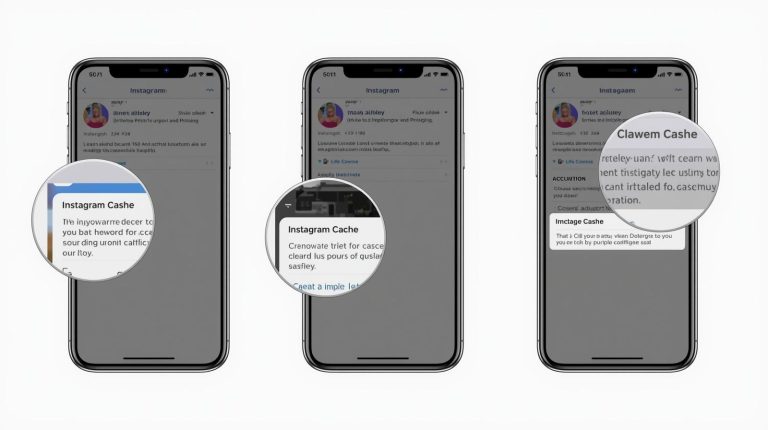
Every time you use apps or browsers on your device, temporary files accumulate, creating *cache*. While this cache is vital for quicker load times, it can consume significant storage if left unchecked. Taking time to regularly clear cache files can vastly improve storage health. Most devices have settings to clear cache automatically or manually, ensuring that your device’s performance remains optimal. For example, going into the settings of specific apps, like social media platforms, and clearing their cache can lead to immediate results.
8. Utilize Device Maintenance Tools
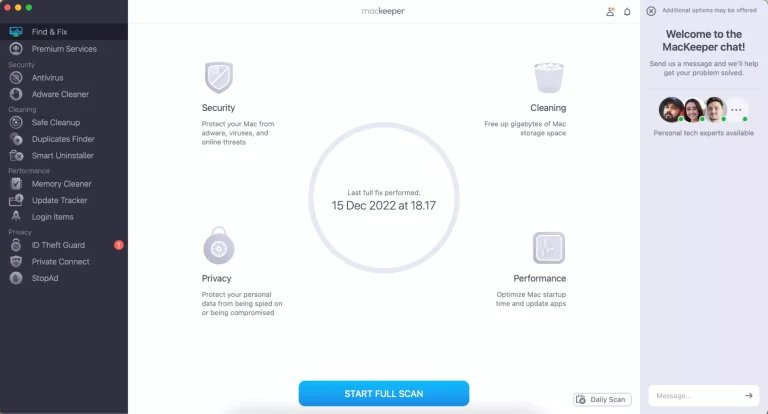
Most modern devices come equipped with built-in maintenance tools that help in cleaning up storage. Whether it’s a smartphone, tablet, or laptop, these computer systems have features like disk cleanup or storage optimization integrated into their settings. Taking advantage of these tools can save you significant time and effort. For example, Windows includes a Disk Cleanup utility that identifies files that can be easily removed, while MacOS offers the “Manage” option under “About This Mac” to suggest files that may be candidates for deletion.
9. Organize Your Digital Life
Finally, a well-organized digital space contributes immensely to overall device performance. Create folders and categorize files logically – think documents, work projects, personal media, and more. This simple act of organization ensures that locating important items becomes faster and less frustrating. Moreover, consider implementing naming conventions for files that include dates or subjects to make tracking easier. For instance, naming a file “2023_March_Project_Report” can facilitate later retrieval and avoid duplication.
By taking these additional measures into account, you can cultivate a cleaner, more organized device that not only improves performance but also enhances your overall digital experience. As technology continues to evolve, understanding how to efficiently manage your storage becomes an invaluable skill set worth developing. Stay engaged with the various tools and techniques available to you, ensuring that your device reflects the efficiency and speed with which you want to operate.
DISCOVER MORE: Click here to learn how to conduct effective usability testing
Conclusion
In conclusion, effectively cleaning and organizing the storage on your device is paramount for enhanced performance and a smoother user experience. By implementing the strategies discussed, such as leveraging cloud services and optimizing media files, you can reclaim valuable storage space while ensuring that important data remains accessible. Regularly clearing cache files and utilizing built-in device maintenance tools not only keeps your device running at peak efficiency but also prolongs its lifespan.
Moreover, adopting a structured approach to file organization can significantly improve your workflow. By categorizing documents, projects, and media correctly, you create a digital environment where vital information is just a click away, reducing the frustration of searching through clutter.
As technology advances, the demand for efficient storage management continues to grow. Embracing these practices not only enhances your current device’s functionality but also prepares you for future upgrades. Stay informed about new tools and techniques to maintain optimal performance, as this knowledge is crucial in our ever-evolving digital landscape. Ultimately, a cleaner, well-organized device translates into productivity, creativity, and peace of mind, allowing you to focus on what truly matters. Start your journey toward a more efficient digital life today, and experience the benefits of a streamlined storage solution.